{9 designs}
Professional resume templates
Refined layouts for corporate, senior and client-facing roles: restrained colour, generous spacing and a clear hierarchy that says organised and experienced.
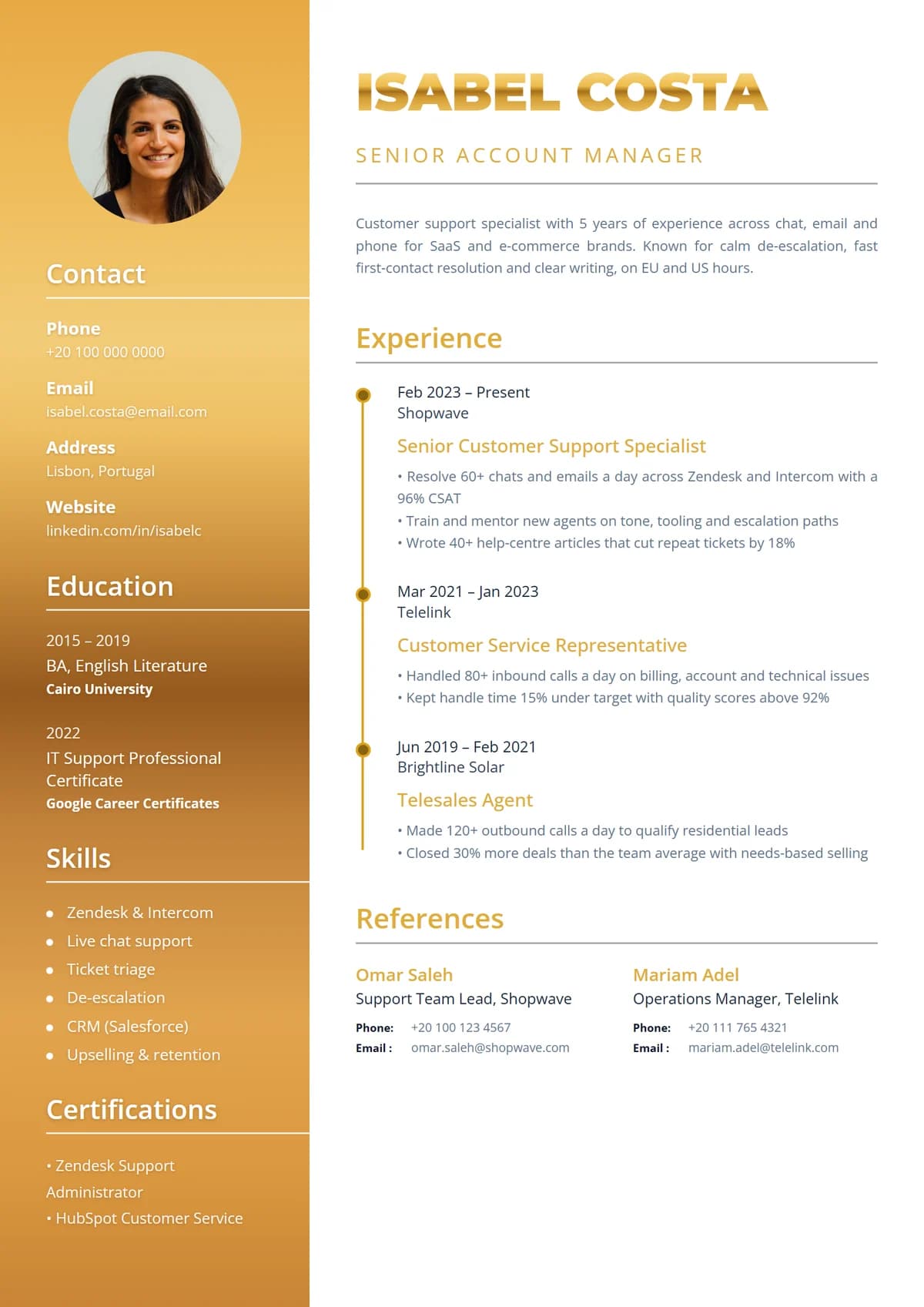
Gilded Gold
Polished gold sidebar, metallic name, gold timeline
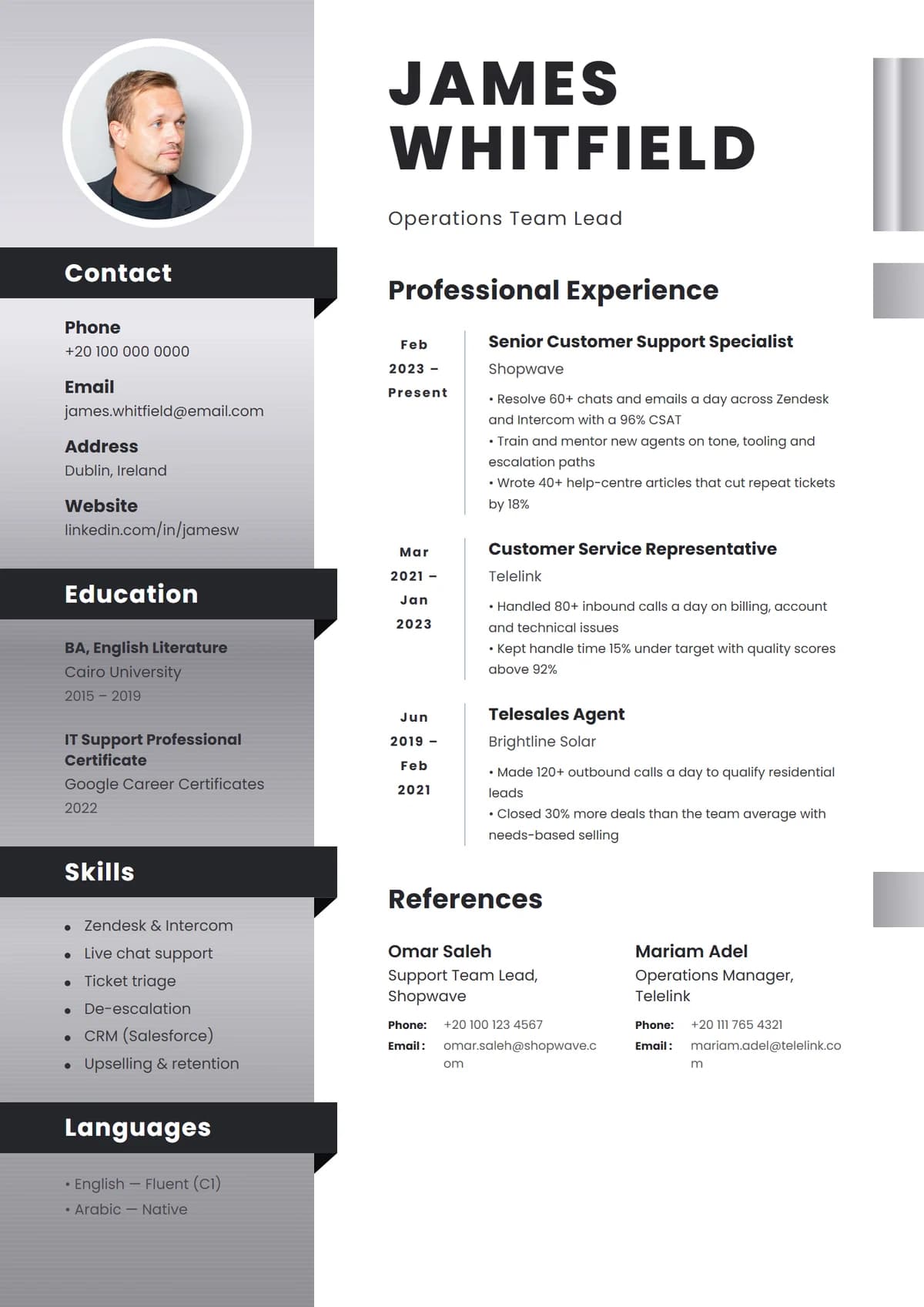
Platinum Edge
Brushed-silver sidebar with ribbon headings
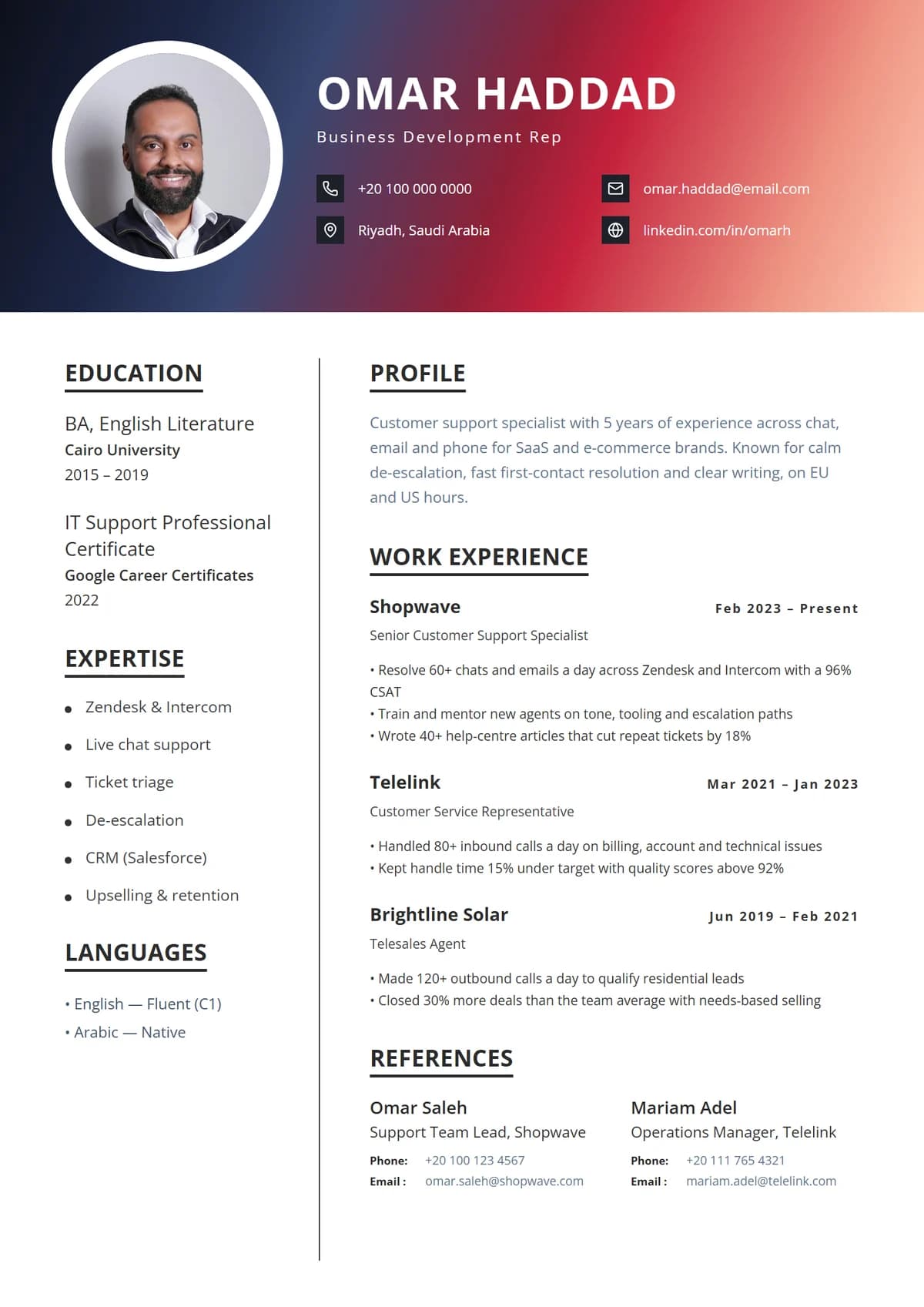
Aurora Header
Sweeping navy-to-crimson header, ringed photo
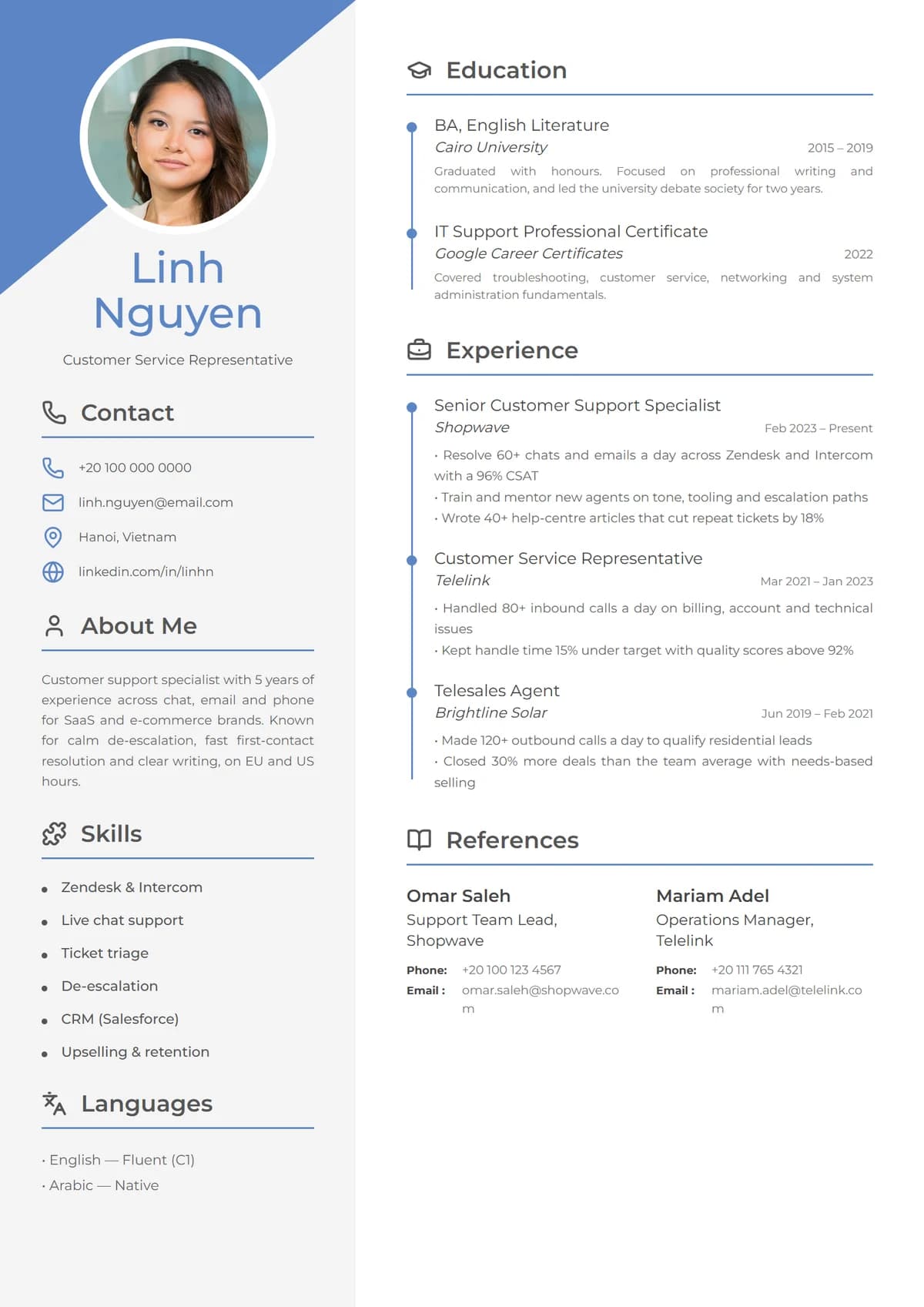
Sapphire Sidebar
Blue corner, icon headings, timelines
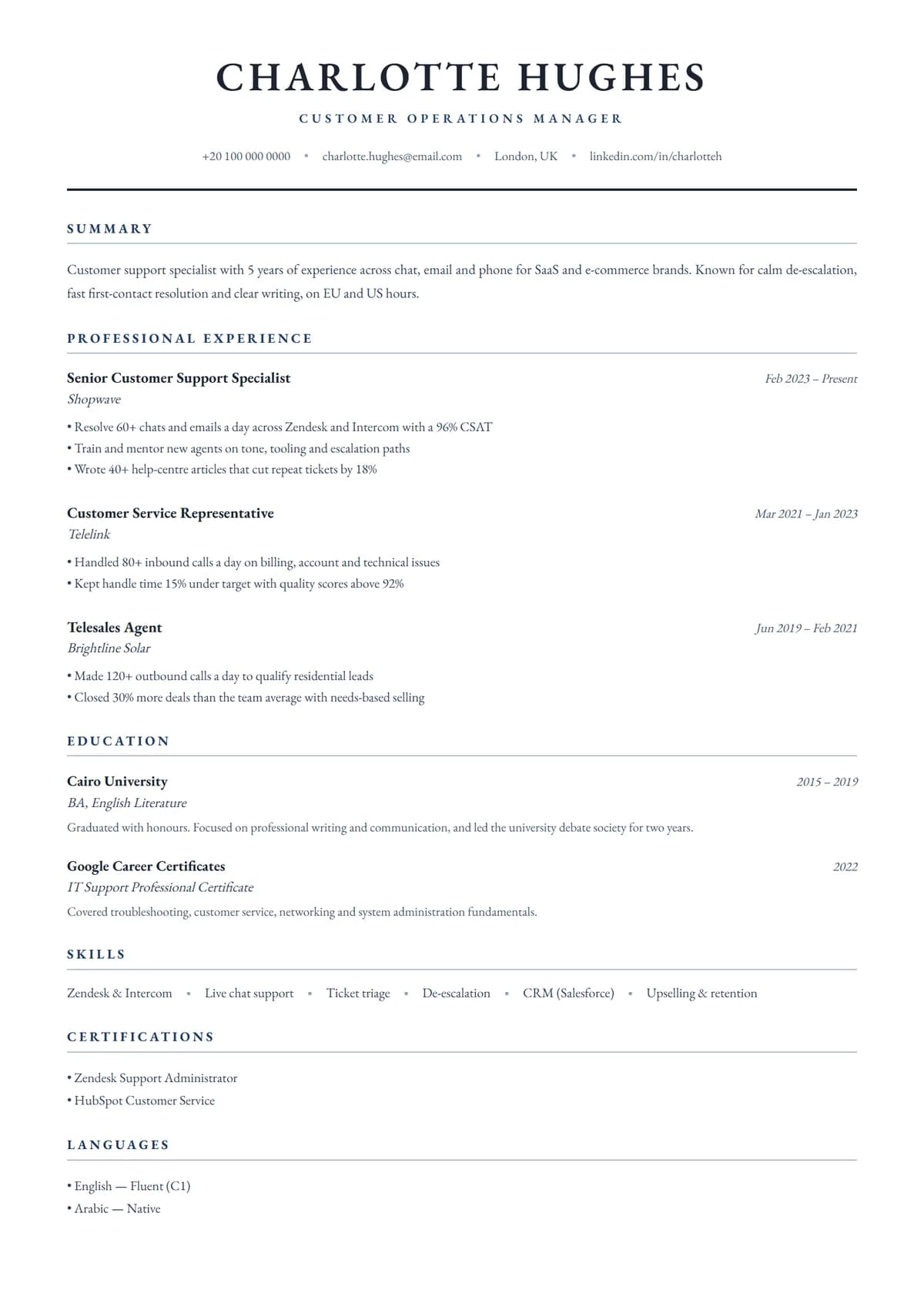
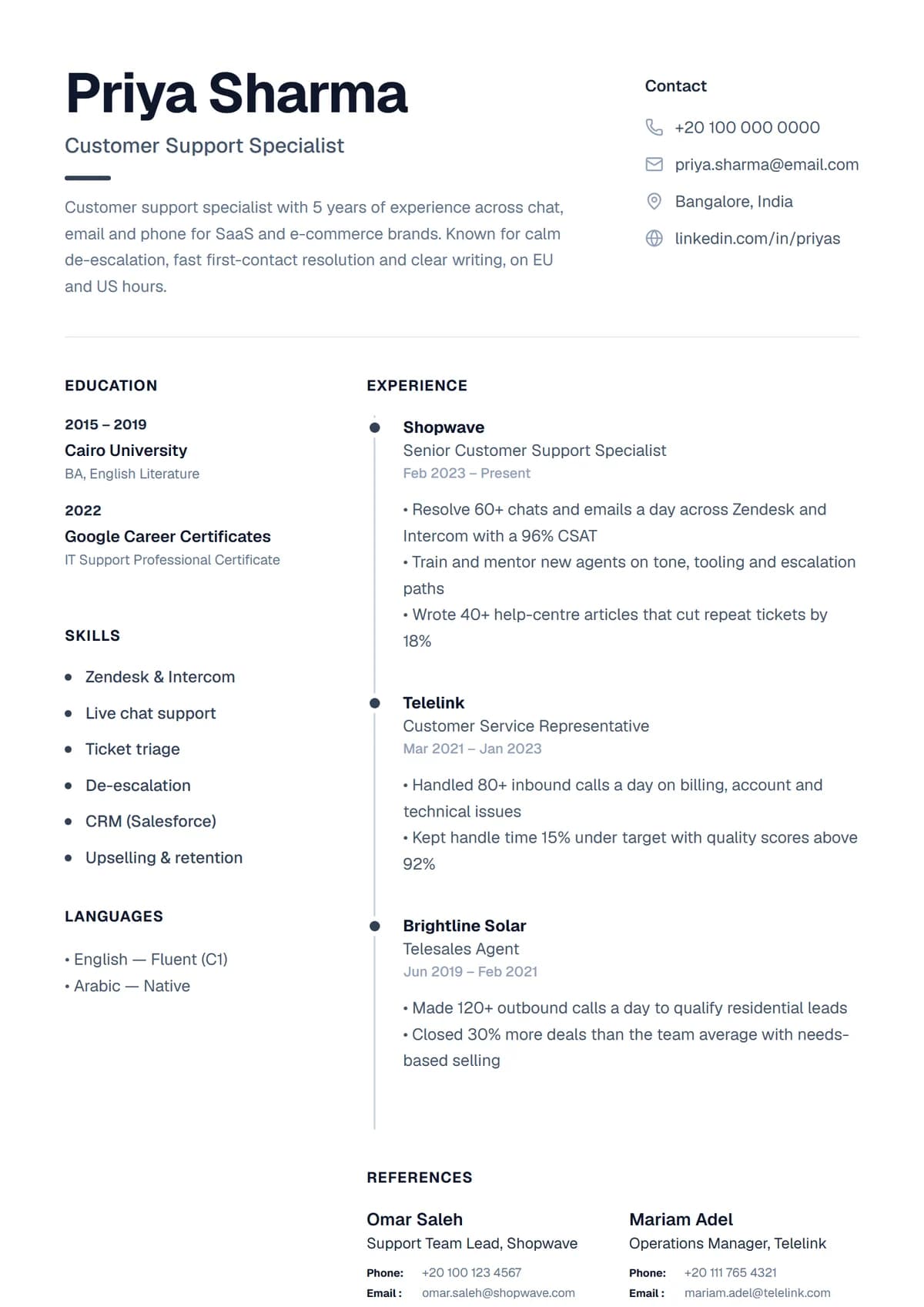
Ivy Classic
Refined single column, serif, ATS-friendly
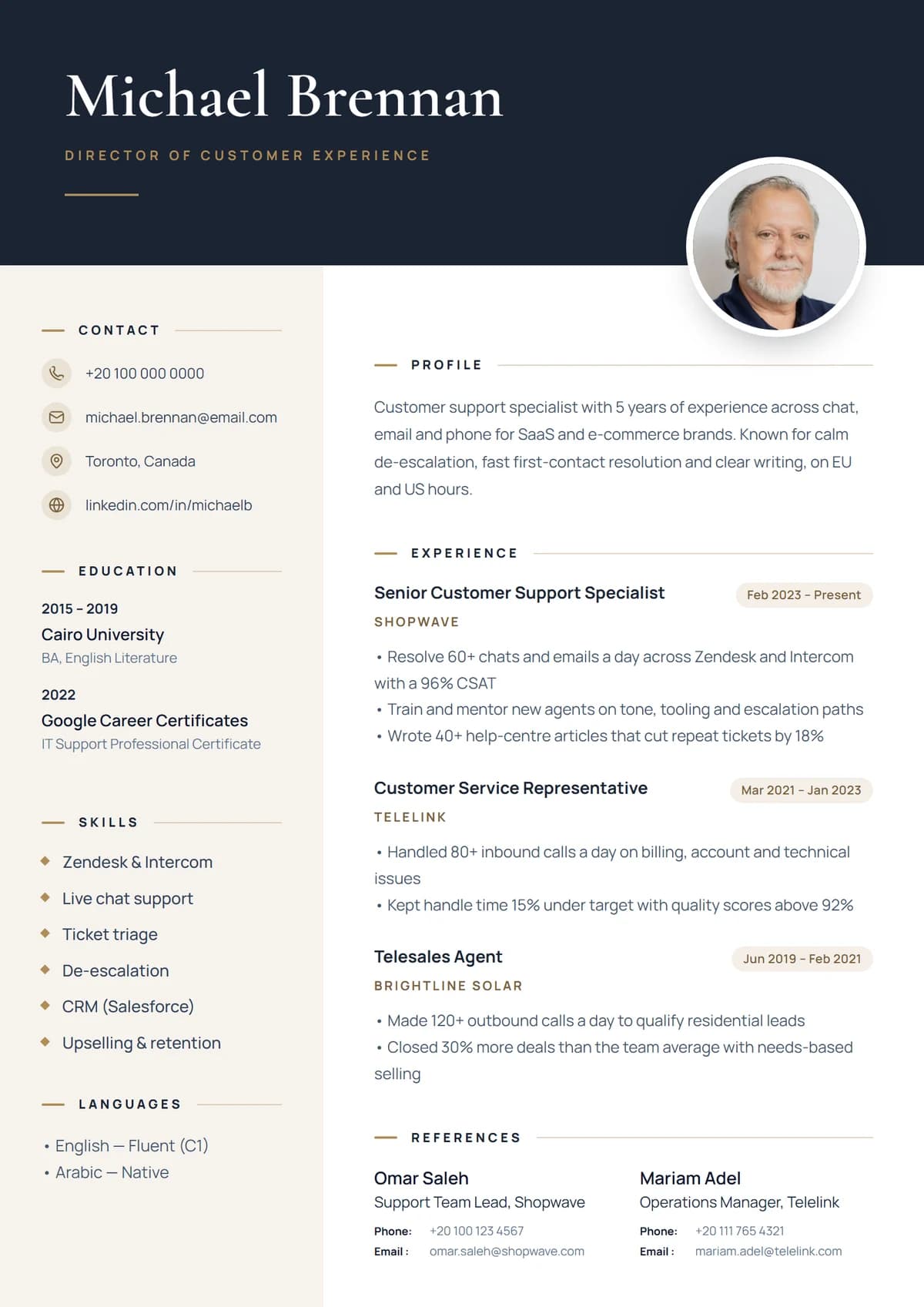
Monarch Executive
Navy and antique gold, editorial and confident
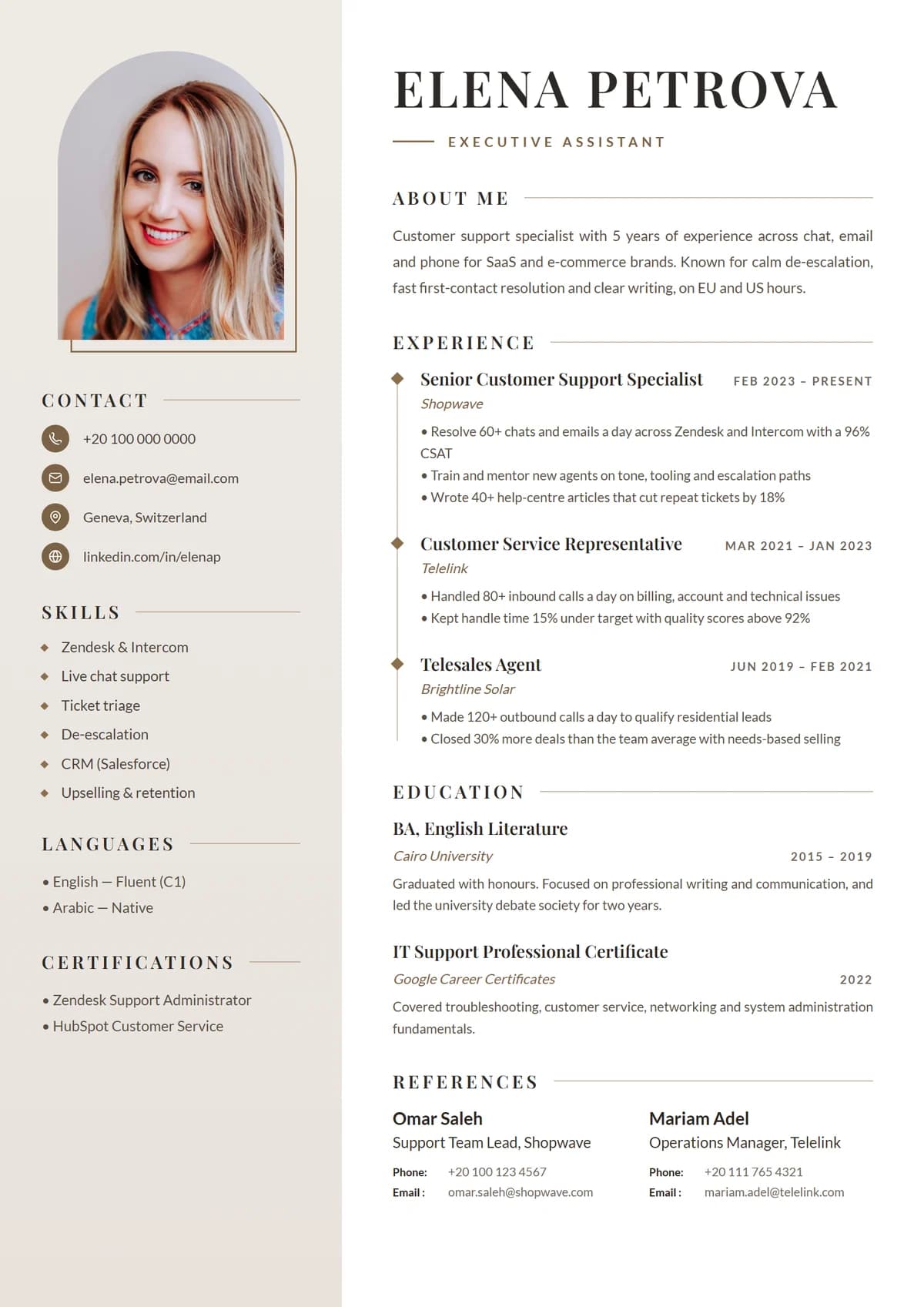
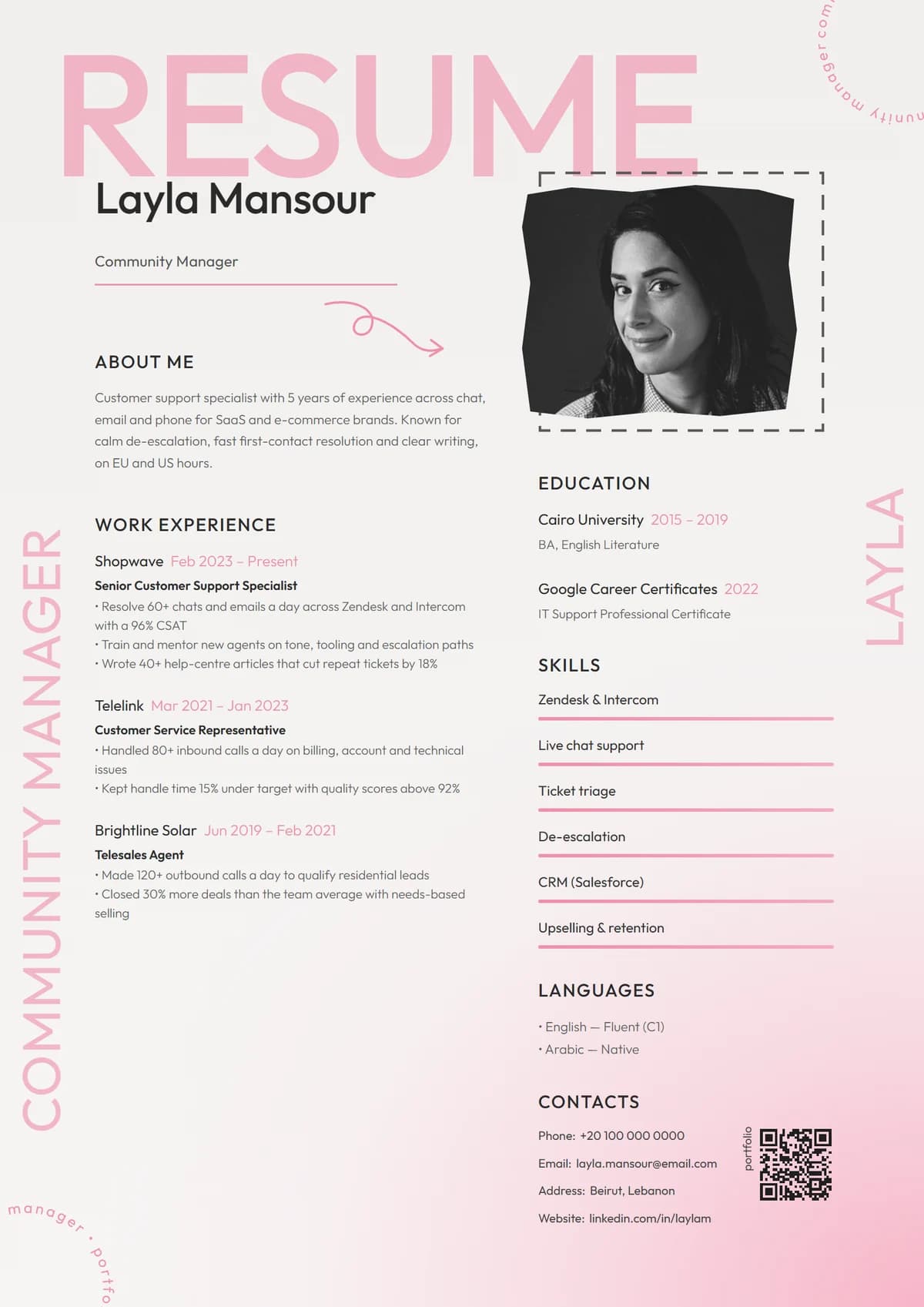
Elegant Portrait
Photo-led, warm and refined
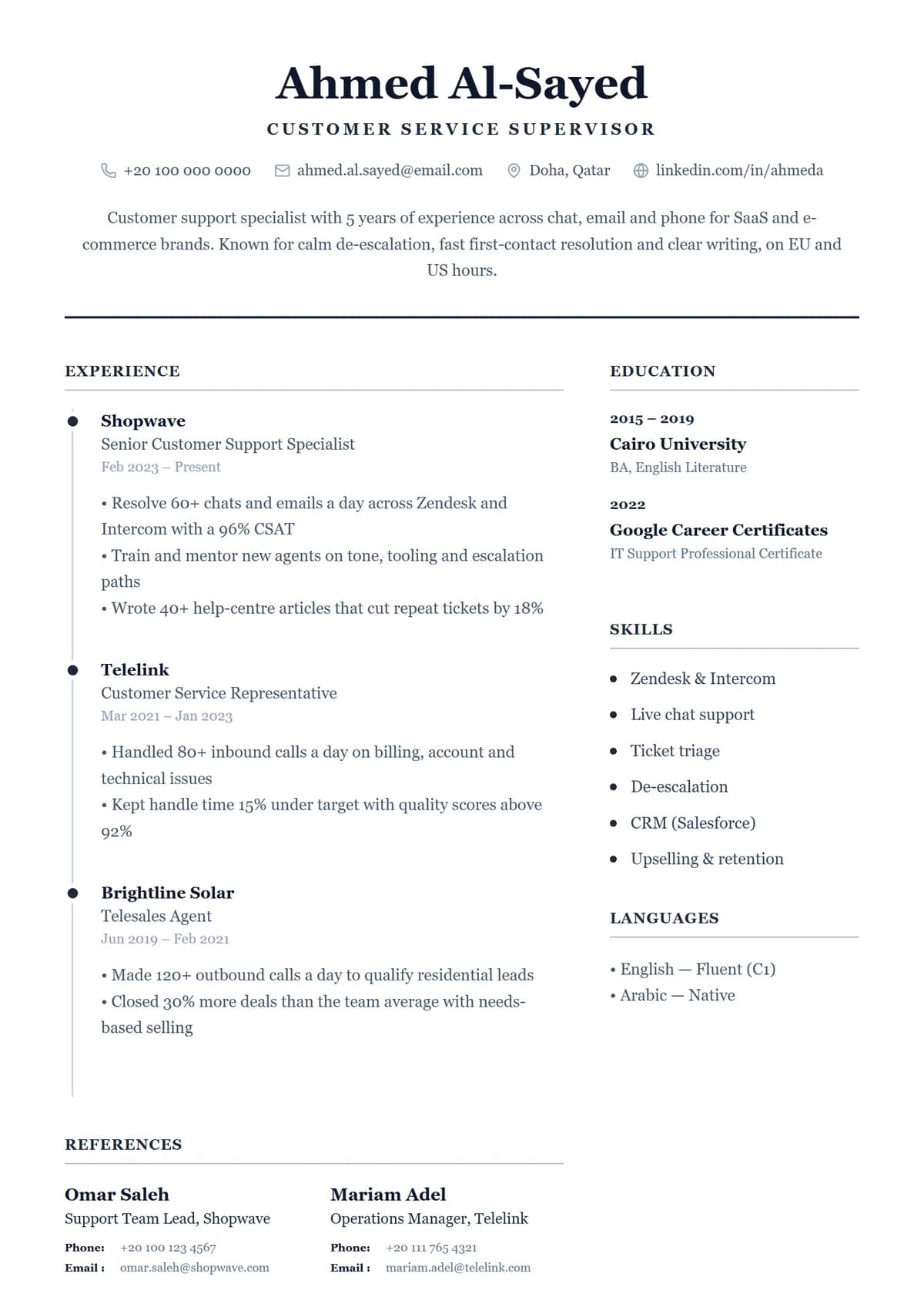
Classic Professional
Centred header, traditional
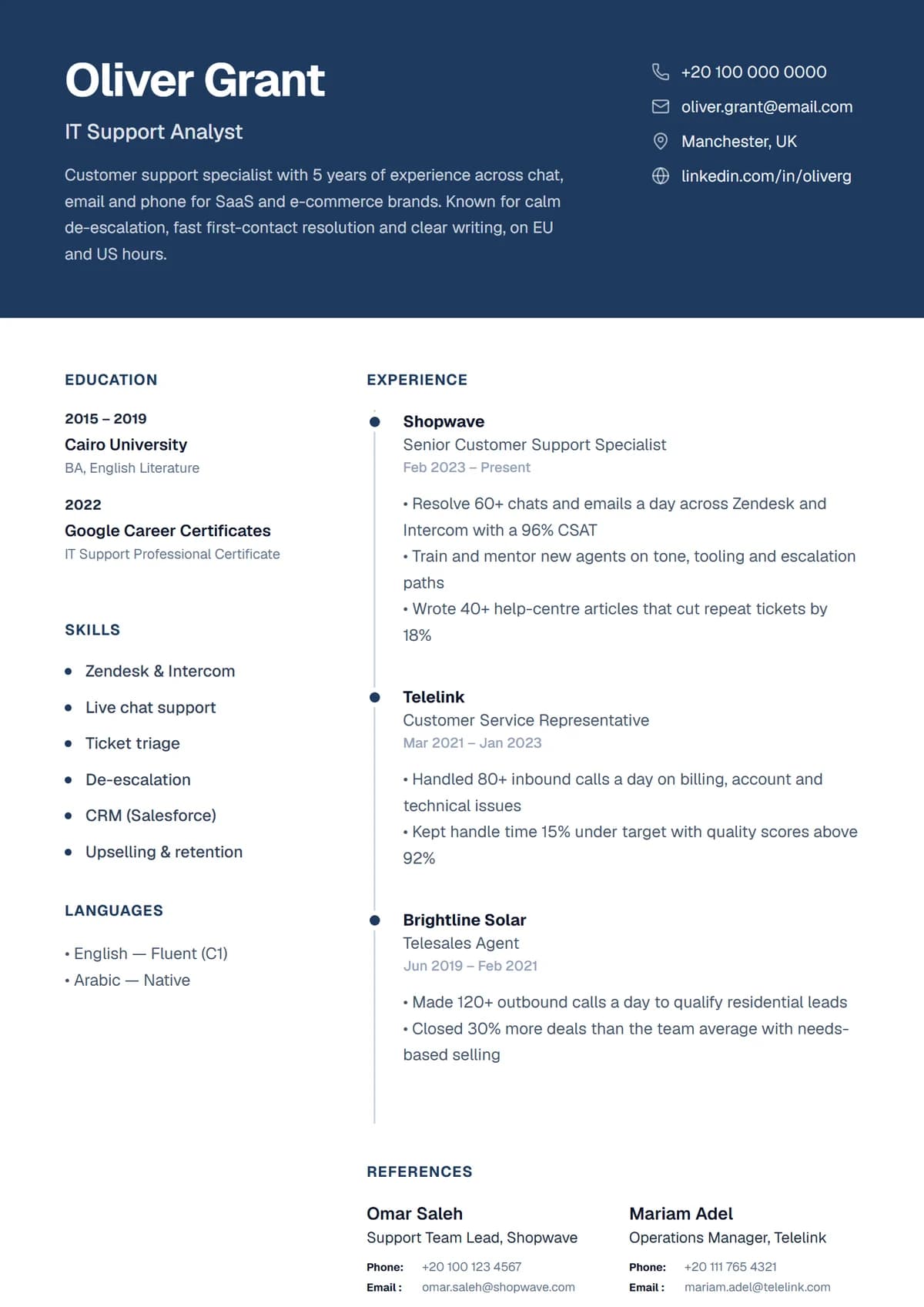
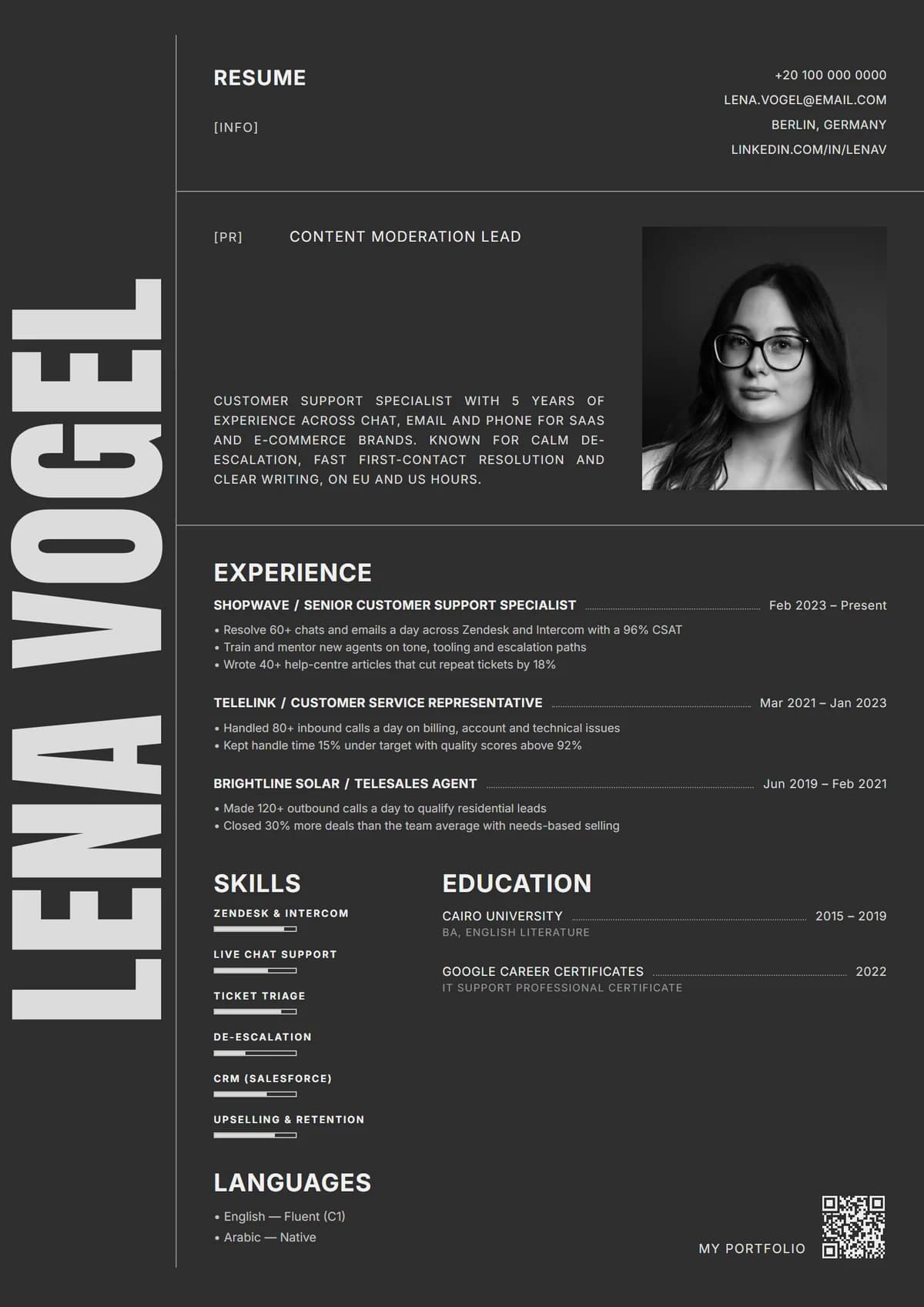
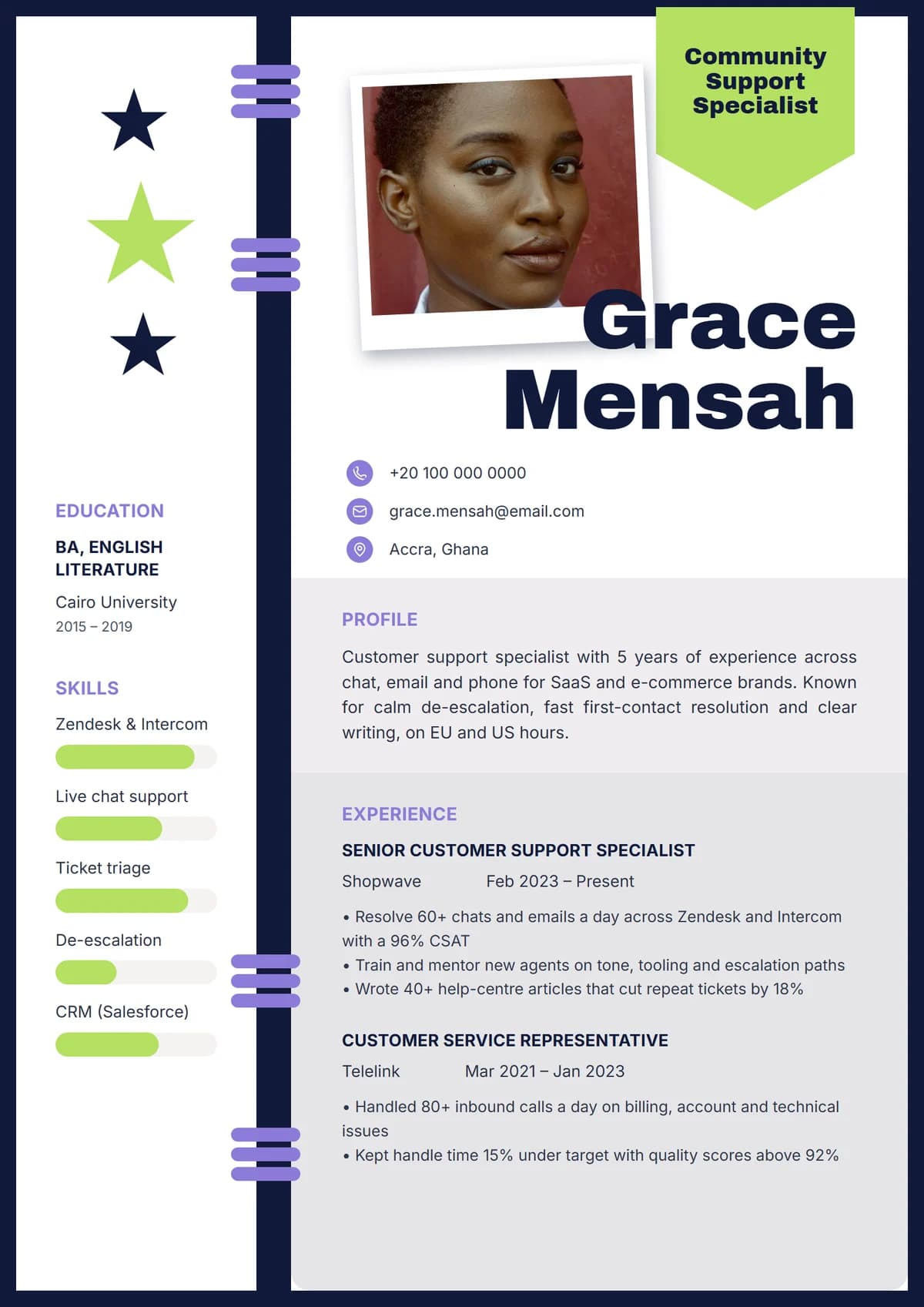
Bold Navy
Confident, corporate
{Using them well}
How to get the most from professional resume templates.
- 01
Lead with a strong summary
Senior readers skim the top third. Two or three lines on scope, results and specialty do more than any design.
- 02
Show scale with numbers
Team sizes, budgets, customers and percentages turn responsibilities into achievements.
- 03
Let white space work
Professional designs feel confident because they leave room. Cut weaker bullets before shrinking the font.
{Other styles}
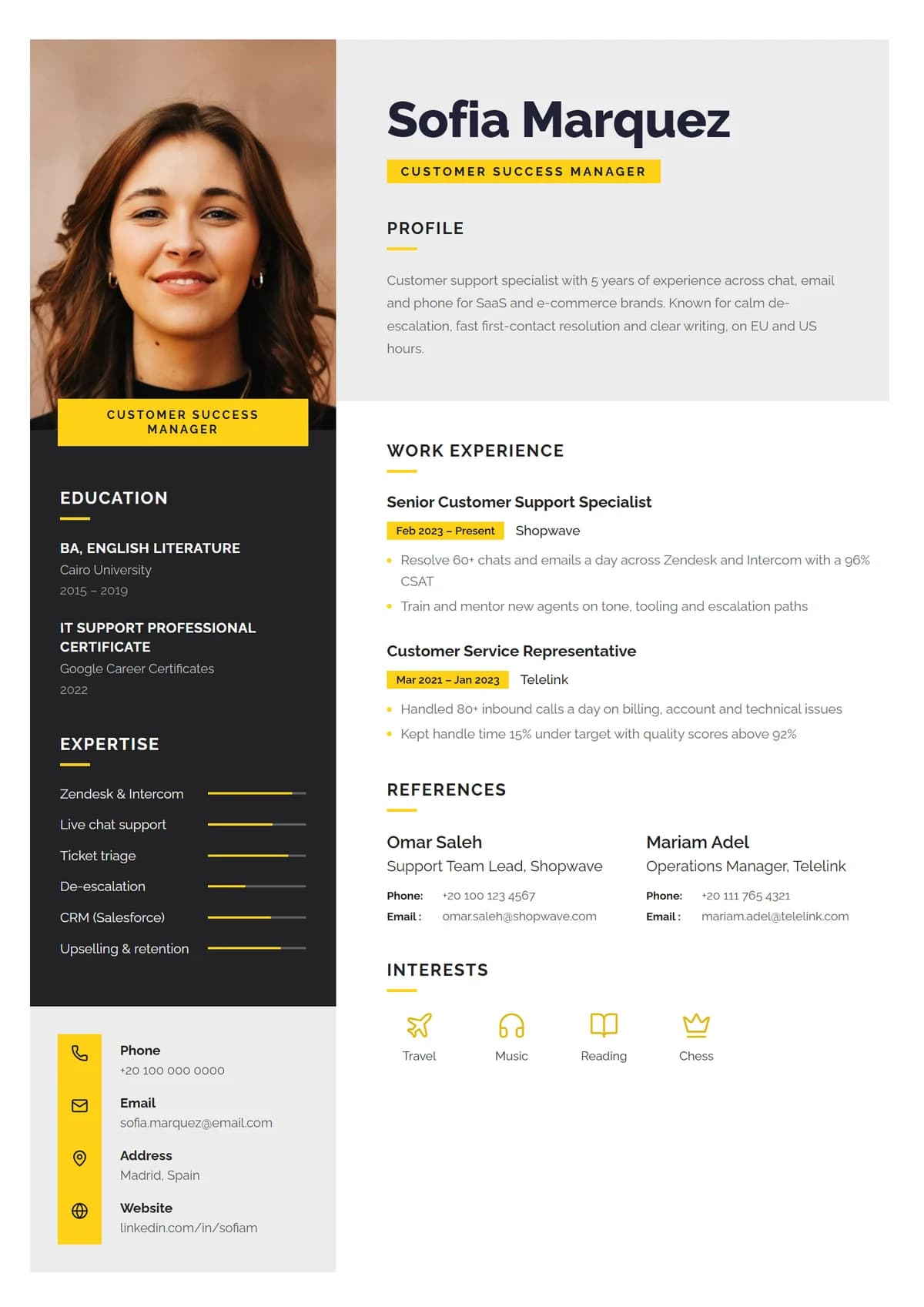
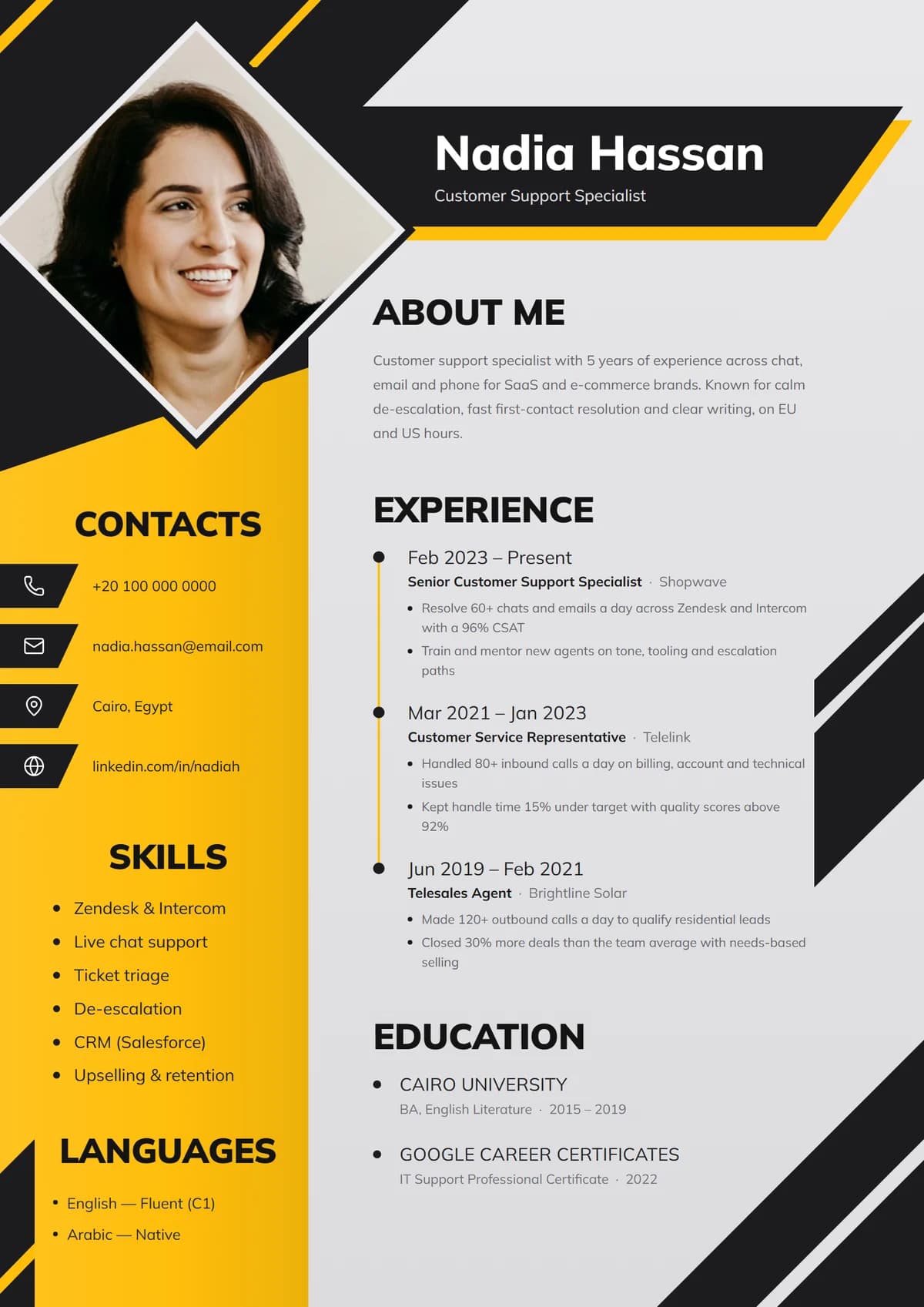
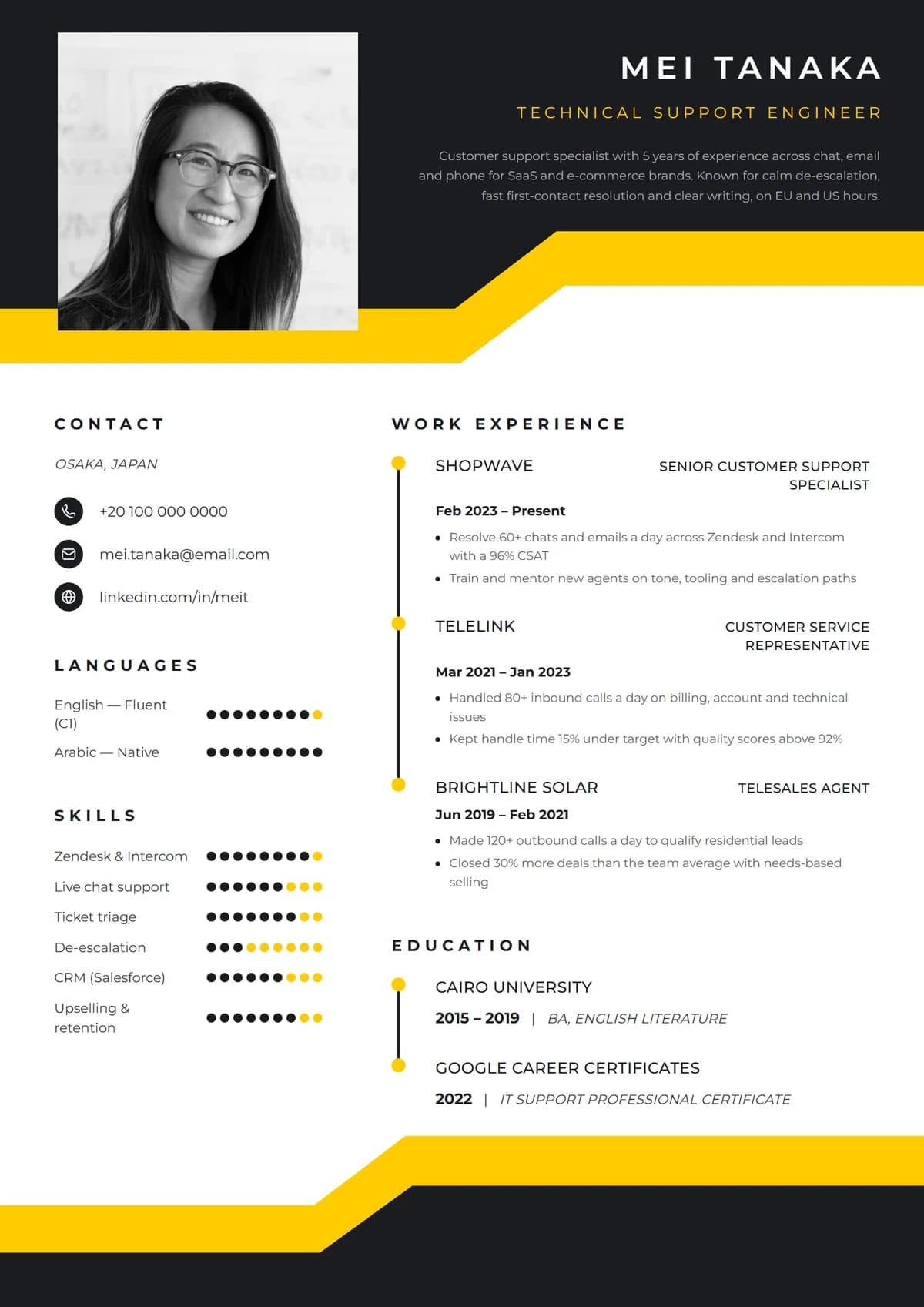
Looking for something else?
{Resume guides}
Write the resume to go with it.
How to build a professional resume for free, step by step
A complete walkthrough of building a resume in a free resume builder: what to put in each section, how to pick a template, and how to export a clean PDF.
7 min readThe best resume templates in 2026, by job, country and experience
Ten of the best resume templates for 2026 and exactly when to use each: simple ATS-friendly picks, bold designs, templates with a photo, and layouts for first jobs and senior roles.
6 min readThe best resume format: chronological, functional or hybrid?
Which resume format recruiters prefer, when a hybrid or functional layout makes sense, and the length, font, margin and file rules that keep yours readable.
5 min readHow to write an ATS-friendly resume that gets read
What applicant tracking systems actually do with your resume, the myths to ignore, and a practical checklist for keywords, layout and file type.
4 min readHow to write a resume summary (with 30 examples)
A simple three-part formula for a resume summary that recruiters read, plus 30 examples by job and experience level, and the mistakes that make summaries forgettable.
6 min readThe best skills to put on a resume, with examples by job
Which hard and soft skills recruiters look for, lists by job type, and how to prove each skill on your resume so it counts instead of sounding like filler.
4 min read
Are these resume templates free?
Yes. Sign up free, pick any of the 28 designs, fill it in and download it as a PDF. You can keep several resumes, for example one with a photo and one without.
Can I edit the templates online?
Yes, everything is edited in the browser. Change the text, move sections, restyle or recolour any element, swap fonts and add or remove sections. Nothing to install.
Are the templates ATS-friendly?
Every PDF has a real text layer, so applicant tracking systems can read your words. For big companies' application portals the simple one-column designs are the safest; the designed ones are best when a person opens your resume directly.
Do I need a photo?
No. Every design works without one; templates built around a portrait show your initials instead. Add a photo where it's expected, such as much of Europe, the Gulf and Asia, and leave it off for the US, UK, Canada and Australia.
What format do I download?
An A4 PDF, the format recruiters and application systems prefer. It looks the same on every device and prints cleanly.
Can I switch templates after filling one in?
Yes. Your content stays the same while you try different designs, so you can compare a simple and a bold version side by side in seconds.