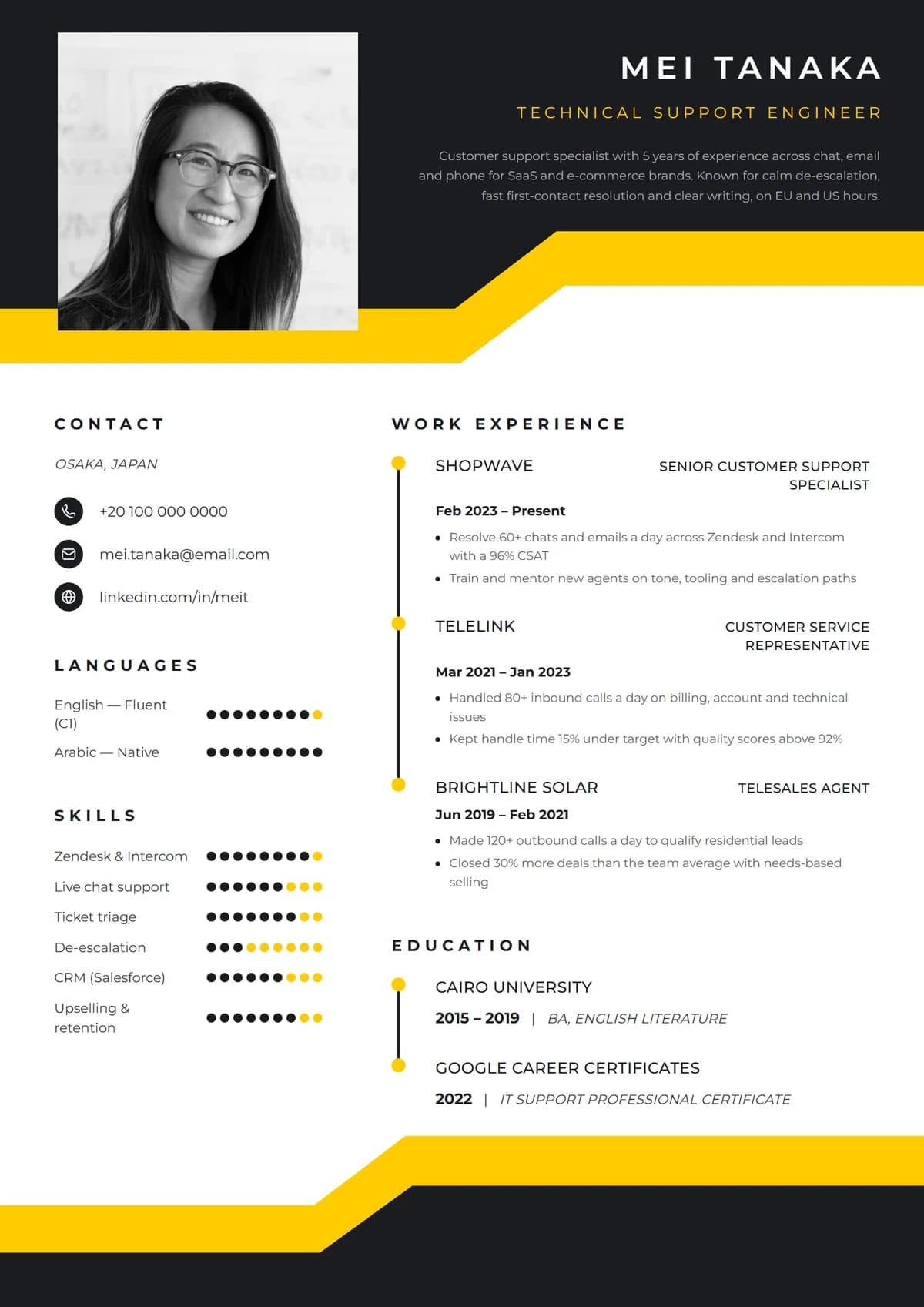
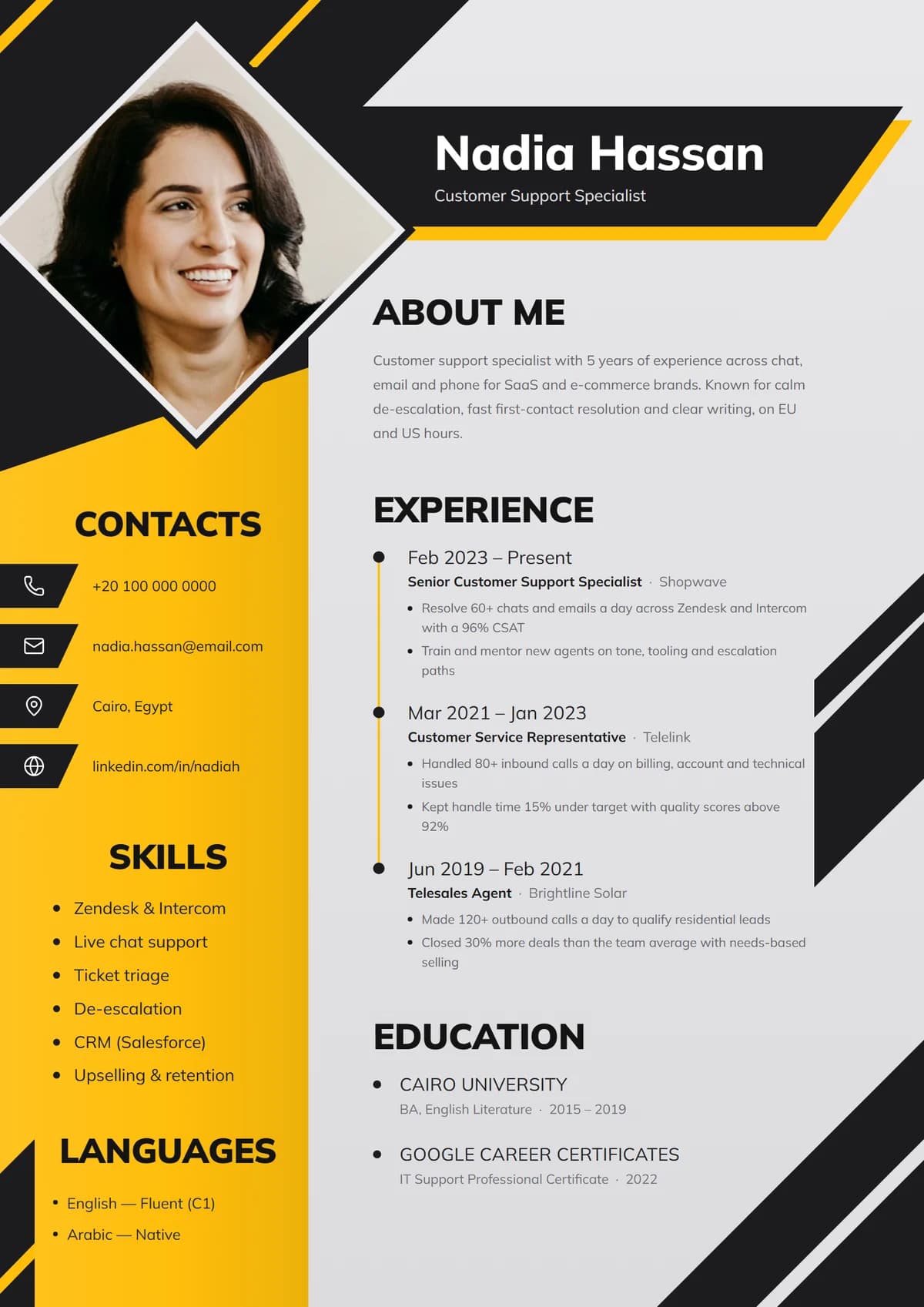
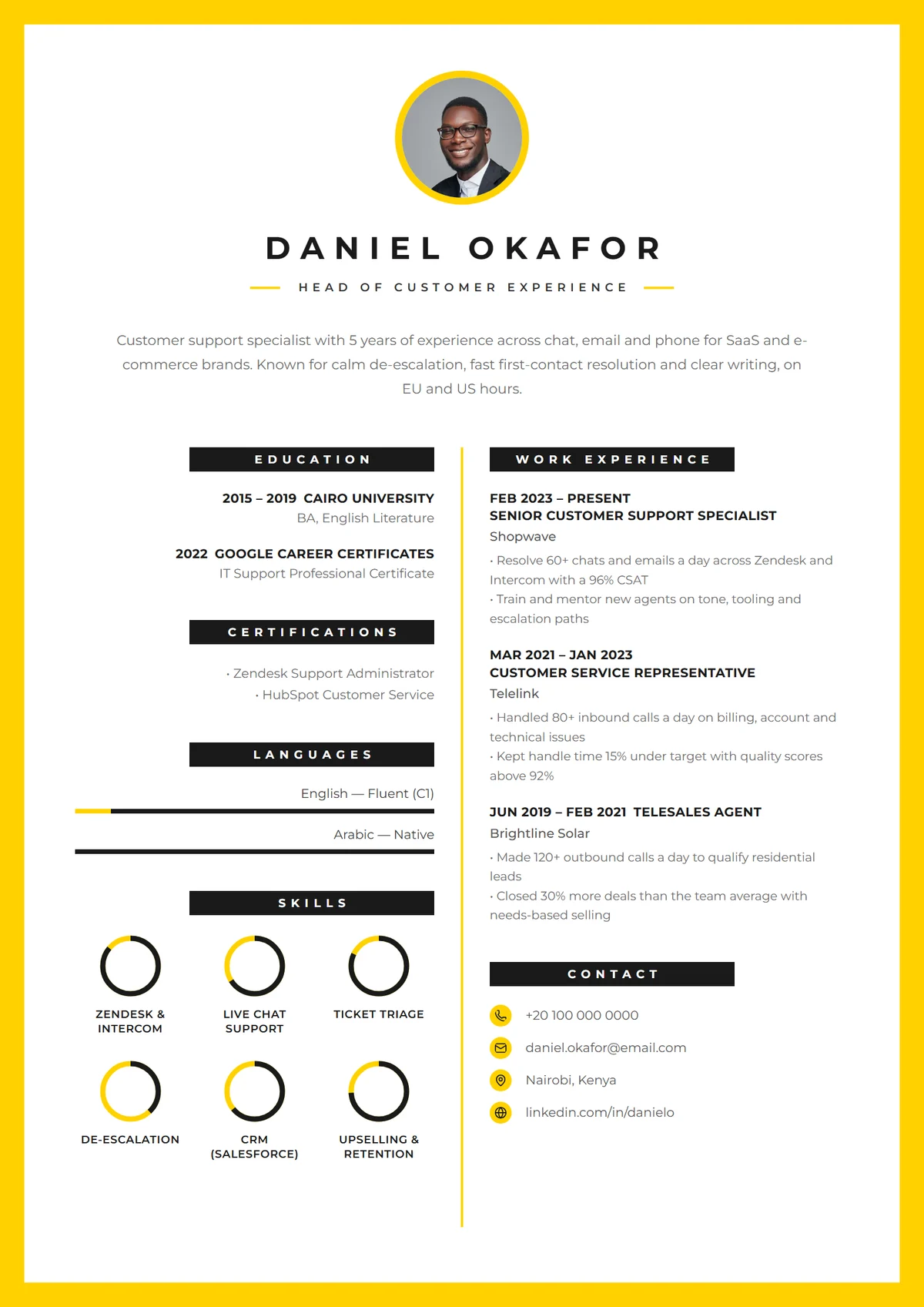
If you've applied for a job through an online form, your resume almost certainly went into an applicant tracking system (ATS). Workday, Greenhouse, Lever, iCIMS, SmartRecruiters and Taleo are some of the best known, and nearly every large employer uses one.
There's a lot of fear around these systems, most of it exaggerated. This guide explains what an ATS really does, what can go wrong, and how to make sure your resume comes through intact.
What an ATS actually does
An ATS is a database for job applications. When you apply, it:
- 1.Stores your resume and the answers from the application form.
- 2.Parses it, pulling out your name, contact details, job titles, dates, skills and education into fields.
- 3.Lets recruiters search and filter, for example "show me everyone who mentions Zendesk and Spanish".
- 4.Sometimes ranks or flags applications based on knock-out questions ("Do you have the right to work in Canada?") or keyword matches.
What it usually doesn't do is read your resume and reject you on its own. Recruiters still decide. The real risk is quieter: if the parser can't read your resume, or you don't use the words recruiters search for, you never show up in their results.
Ignore the "75% of resumes are rejected by robots" claim. It's widely repeated and has no solid source. The real goals are simple: be readable, and use the right words.
Rule 1: Use the words from the job posting
Recruiters search the ATS using the language of the job they're hiring for. If the posting says "customer success", "ticket triage" and "Salesforce", those words should appear on your resume, as long as they're true for you.
How to do it well:
- Read two or three postings for the role you want and note the skills, tools and phrases that keep appearing.
- Use the exact terms, and spell out abbreviations once: "Customer Relationship Management (CRM)".
- Put keywords where they make sense: your job title line, summary, skills section and experience bullets.
- Match the job title in your header to the posting, if it describes what you do.
Don't paste in hidden keywords in white text or copy the whole job description. Recruiters see the parsed text, and stuffing looks dishonest.
Rule 2: Keep the structure simple to parse
Modern parsers handle most clean layouts, including two columns. What trips them up is unusual structure:
- Standard headings: Experience, Education, Skills, Summary, Certifications. Not "Where I've Been".
- Contact details in the body, not only in the page header or footer.
- No text inside images. A logo, a photo or a skills chart saved as a picture is invisible to a parser.
- Dates in a consistent format next to each job, so the system can work out your experience.
- Real bullet points and plain characters, not icons standing in for words.
Rule 3: Send the right file
- PDF is safe for almost every modern ATS and keeps your layout intact. Make sure it's a PDF made from text, not a scanned image. If you can select the words with your cursor, you're fine.
- Word (.docx) is the safe choice when a posting asks for it, or for very old systems.
- Avoid images, Pages files and Google Docs links.
Rule 4: Make the content worth finding
Getting through the filter only gets you to a human. Once there, the same things matter as always:
- Results with numbers, not lists of duties.
- A short summary that matches the role.
- Recent and relevant experience first.
Our step-by-step resume guide covers how to write each section.
Test your resume in two minutes
You don't need a paid "ATS checker" to see whether your resume parses well.
- 1.Copy and paste all the text from your PDF into a plain text editor. Does it come out in a sensible order? Are your name, jobs and dates all there?
- 2.Check the reading order: if your skills column is pasted in the middle of a job description, a parser may mix them up too. Simplify that part.
- 3.Search for keywords: use Ctrl+F (Cmd+F on a Mac) for the top five skills from the posting. Missing ones are worth adding, if true.
- 4.Apply and review: many application forms show the fields the ATS filled in from your resume. If they're wrong, the parser struggled.
ATS myths you can ignore
- "You must use a one-column Word document." Clean two-column PDFs are read fine by most current systems.
- "Any design gets you rejected." Colour, a tasteful accent bar or a photo spot doesn't break parsing. Text in images and odd structure do.
- "You need to match 80% of the keywords." There's no universal score. Use the important terms naturally.
- "Bold or italic text confuses the robot." It doesn't.
Do designed templates work with an ATS?
Yes, if they keep the text as real text. Every template in Remote's resume builder exports a text-based PDF with standard headings, so the design is for people and the words are there for software. Simpler templates such as Ivy Classic and Clean Minimal are the safest choice for large corporate application portals. Bolder designs are better when you're emailing a recruiter or applying through smaller companies. Choosing a resume template explains the trade-offs.
ATS-friendly resume checklist
- Job title in your header matches the role.
- Top skills and tools from the posting appear in your summary, skills or bullets.
- Standard section headings.
- Contact details in the main body.
- No important text inside images.
- Consistent dates on every job.
- Text-based PDF (or .docx if asked), named Firstname-Lastname-Resume.pdf.
Ready to build one? Sign up free and pick a template, or browse remote customer service jobs to collect the keywords you'll want to use.