The skills section is the fastest part of a resume to read, which is exactly why it matters. A recruiter glances at it to see whether you match the posting, and applicant tracking systems often search it for keywords. But a list of skills only works if the rest of your resume backs it up.
This guide covers which skills to include, lists by job type, and how to turn each skill from a claim into proof.
Hard skills and soft skills
- Hard skills are abilities you can learn and test: software, languages, typing speed, data analysis, a certification. They're easy to verify, so they carry weight.
- Soft skills are how you work: communication, problem-solving, patience, time management. Everyone claims them, so they only count when you show them in your experience.
A strong resume lists mostly hard skills in the skills section and proves soft skills in the bullet points. "Strong communication skills" in a list means little; "Wrote 40 help-centre articles that cut repeat tickets by 18%" proves it.
How to choose your skills
- 1.Collect two or three job postings for the role you want.
- 2.Highlight every skill and tool they mention. Note the ones that appear in more than one posting.
- 3.Keep the ones that are true for you and that you could talk about in an interview.
- 4.Use the posting's exact wording, such as "ticket triage" rather than "sorting requests".
- 5.Aim for six to ten. Fewer looks thin; more starts to look like padding.
Only list skills you could use on your first day. If a recruiter tests you on something in your skills list and you can't do it, the rest of your resume loses credibility.
Skills that help in almost any job
Hard skills
- Microsoft 365 or Google Workspace (Excel or Sheets in particular)
- Typing speed and accuracy, for example "65 WPM, 98% accuracy"
- Languages with a level, for example "Spanish (B2)"
- CRM and ticketing tools, such as Salesforce, HubSpot or Zendesk
- Video calling and collaboration tools, such as Zoom, Slack, Notion
- Basic data skills: reporting, dashboards, spreadsheets
Soft skills (prove these in your bullets)
- Written and spoken communication
- Problem-solving
- Time management and prioritising
- Adaptability and learning quickly
- Teamwork and working remotely
- Attention to detail
Skills by job type
Customer service and support
- Help desks: Zendesk, Freshdesk, Intercom, Gorgias, Help Scout
- Live chat (handling several conversations at once)
- Ticket triage and prioritisation
- De-escalation and complaint handling
- First-contact resolution
- Knowledge-base writing
- Refunds, billing and account changes
- CSAT, NPS and handle-time awareness
For more on what employers in this field look for, see customer service KPIs explained.
Technical support
- Troubleshooting and root-cause analysis
- REST APIs, webhooks and Postman
- SQL and log analysis
- Jira or Linear bug reporting
- Networking basics: DNS, VPN, Wi-Fi
- Windows, macOS and Microsoft 365 administration
Sales and account management
- Prospecting and cold outreach
- Discovery calls and needs analysis
- CRM pipeline management (Salesforce, HubSpot, Pipedrive)
- Negotiation and closing
- Renewals and upselling
- Product demos
Admin, operations and virtual assistance
- Inbox and calendar management across time zones
- Travel booking and expense reports
- Bookkeeping basics (QuickBooks, Xero)
- Data entry with high accuracy
- Project tools (Asana, Trello, Monday.com, ClickUp)
- Minute-taking and document formatting
Marketing and social media
- Content planning and scheduling (Buffer, Hootsuite, Later)
- Community management and replies
- Copywriting and editing
- Basic design (Canva, Figma)
- Analytics (Google Analytics, Meta Business Suite)
- Email marketing (Mailchimp, Klaviyo)
How to show skills on your resume
The skills section is the list; your experience is the proof. For each of your top three skills, make sure at least one bullet shows it in action:
| Skill in your list | Bullet that proves it |
|---|---|
| Zendesk | Worked a Zendesk queue of 80 tickets a day with a 2-hour first response |
| De-escalation | Handled the team's escalated complaints, keeping 90% of at-risk customers |
| Spanish (C1) | Supported the Latin American market by chat and email in Spanish |
| Excel | Built the weekly ticket-volume report used to plan shifts for 25 agents |
| Training | Onboarded 6 new agents, cutting their ramp-up from 6 weeks to 4 |
Skill bars and ratings: use with care
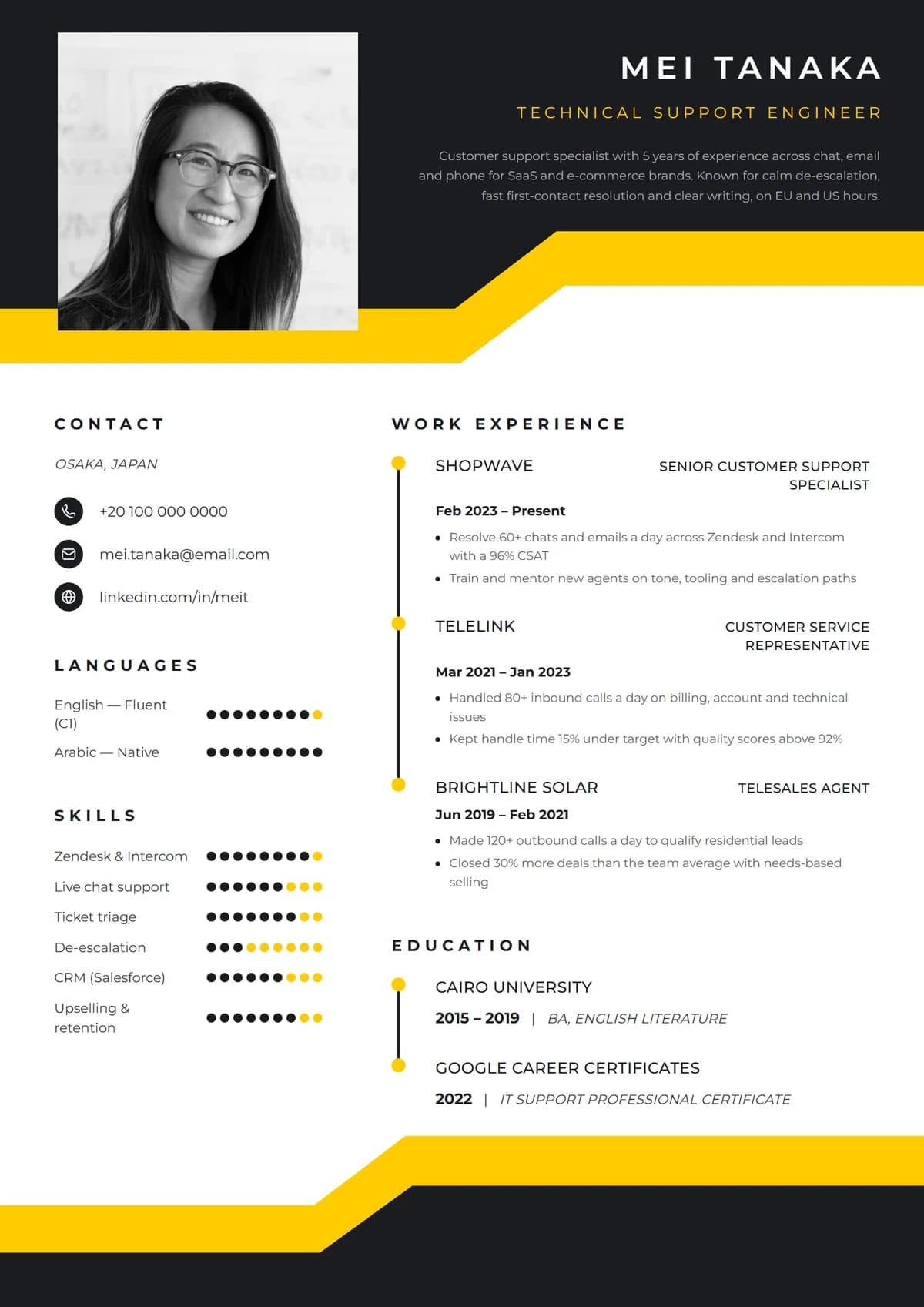
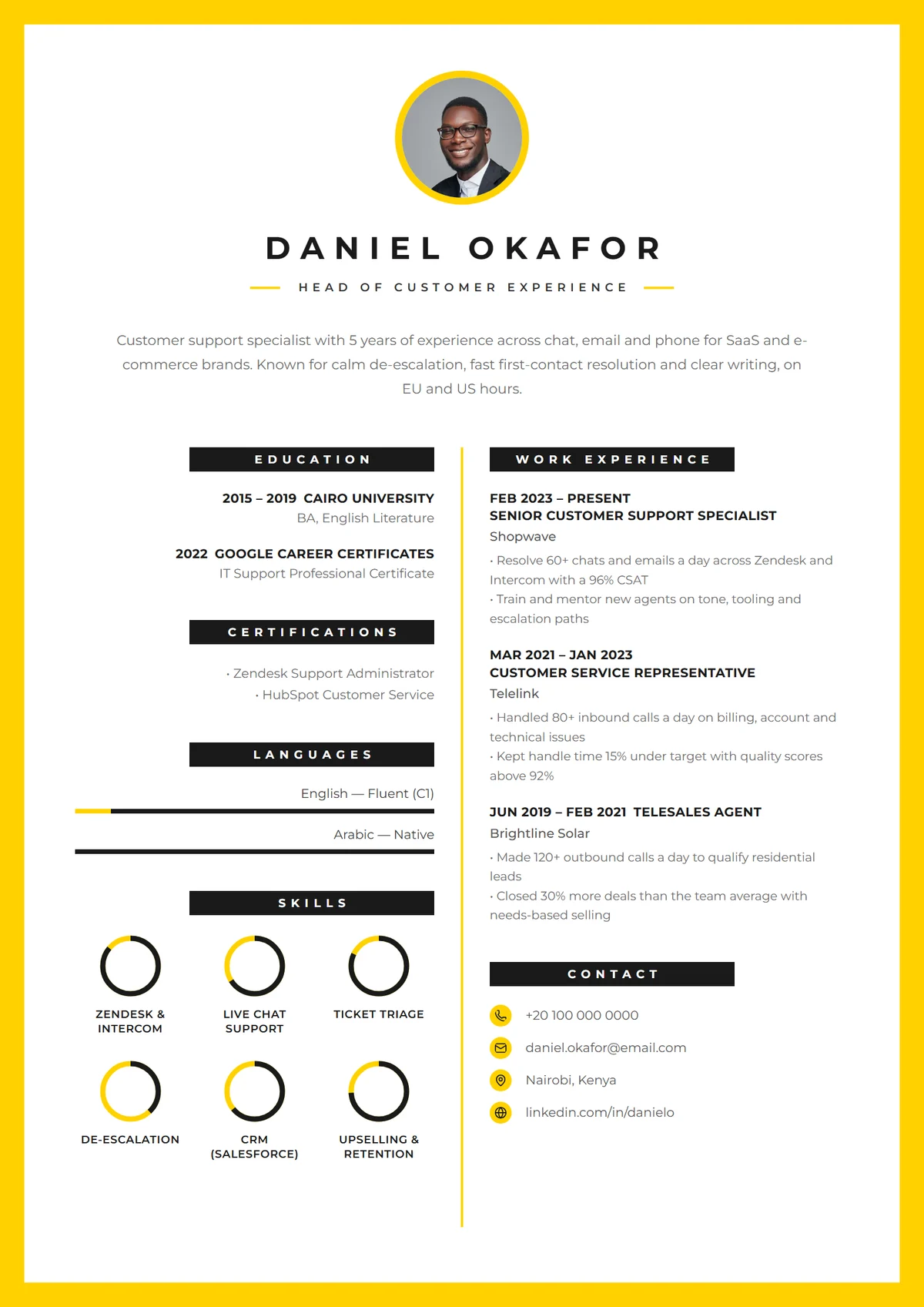
Many designed templates show skills as bars, dots or rings. They look good and they're fine for languages, where levels mean something everyone understands. For software and soft skills, a rating out of five is a guess. Two things keep them useful:
- Keep the skill name as text beside the graphic, so people and software can read it.
- Don't rate yourself low. A half-filled bar for a skill you've listed only invites doubt. If it's not strong, leave it off.
Skills to leave off
- Basic expectations like "email", "internet" or "Microsoft Word" for office roles. They're assumed.
- Vague traits such as "hard-working", "go-getter" or "passionate".
- Outdated tools nobody uses any more, unless the posting mentions them.
- Skills unrelated to the job, unless they're impressive on their own.
Where to put the skills section
- Most resumes: after your experience, or in a sidebar beside it.
- Career changers and graduates: near the top, under the summary, so your relevant abilities are seen before an unrelated job history.
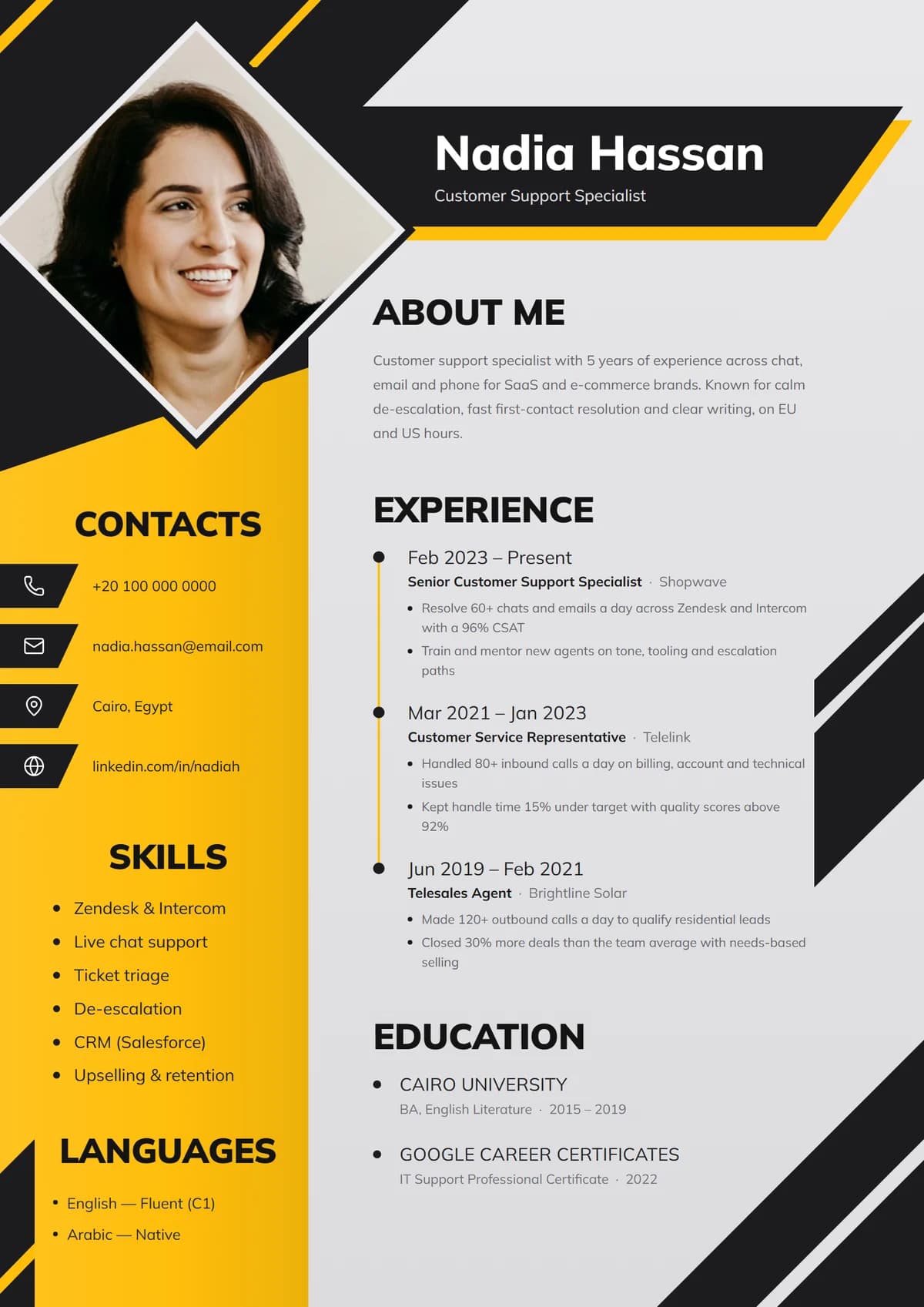
- Technical roles: group them, for example "Tools", "Languages", "Platforms", so they scan quickly.
Add proof you can link
The strongest skills are the ones a recruiter can check. Certificates with a verification link, a portfolio, or a recorded test all help. Remote's hands-on certifications are desk simulations rather than quizzes, so they show what you can actually do, and they come with a certificate you can link from your resume.
Build your skills section
In Remote's resume builder, skills are filled in from your profile and you can switch between a simple list, tags, or a rated layout depending on the template. Sign up free to try it, and read the step-by-step resume guide for the rest of the resume.