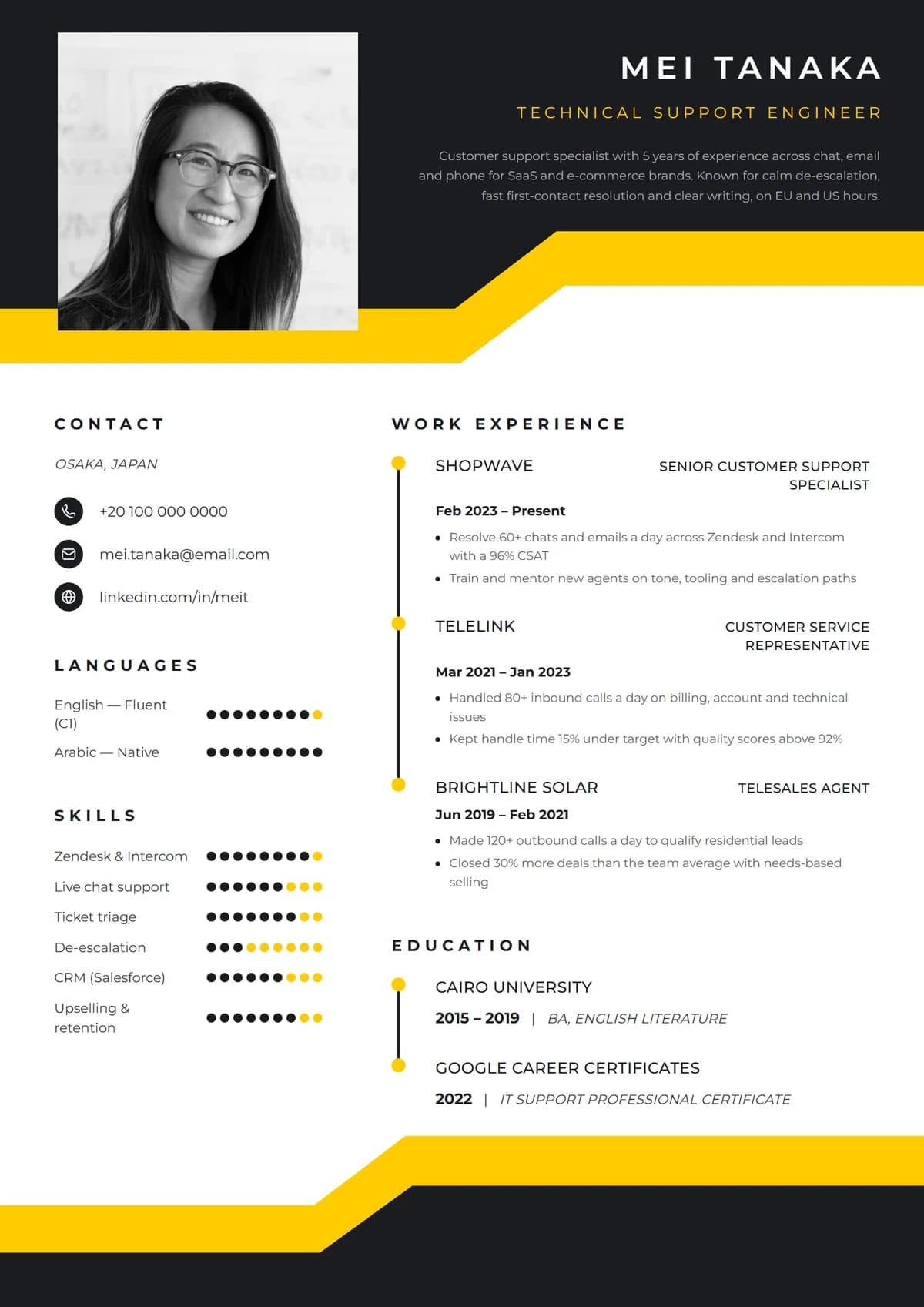
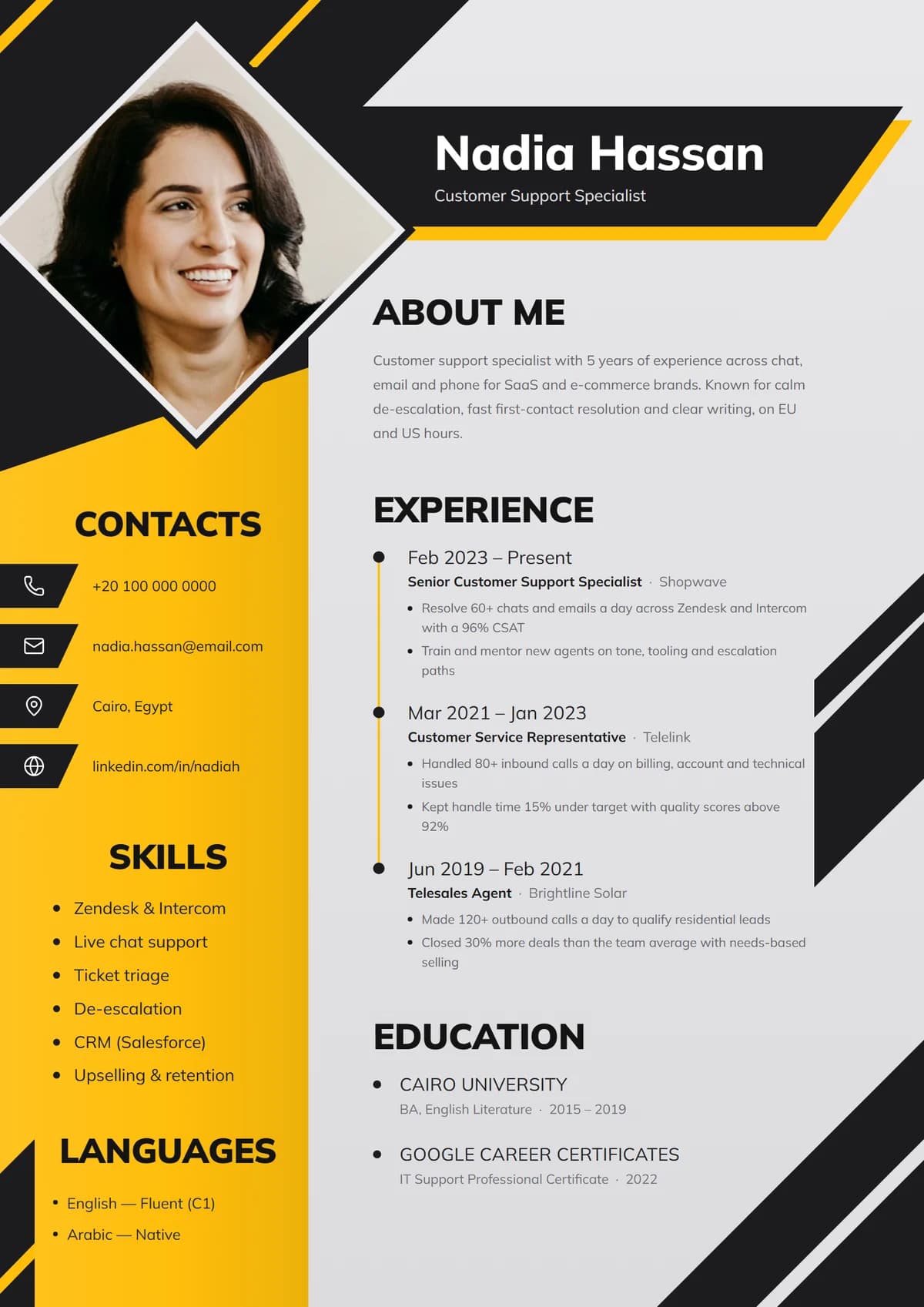
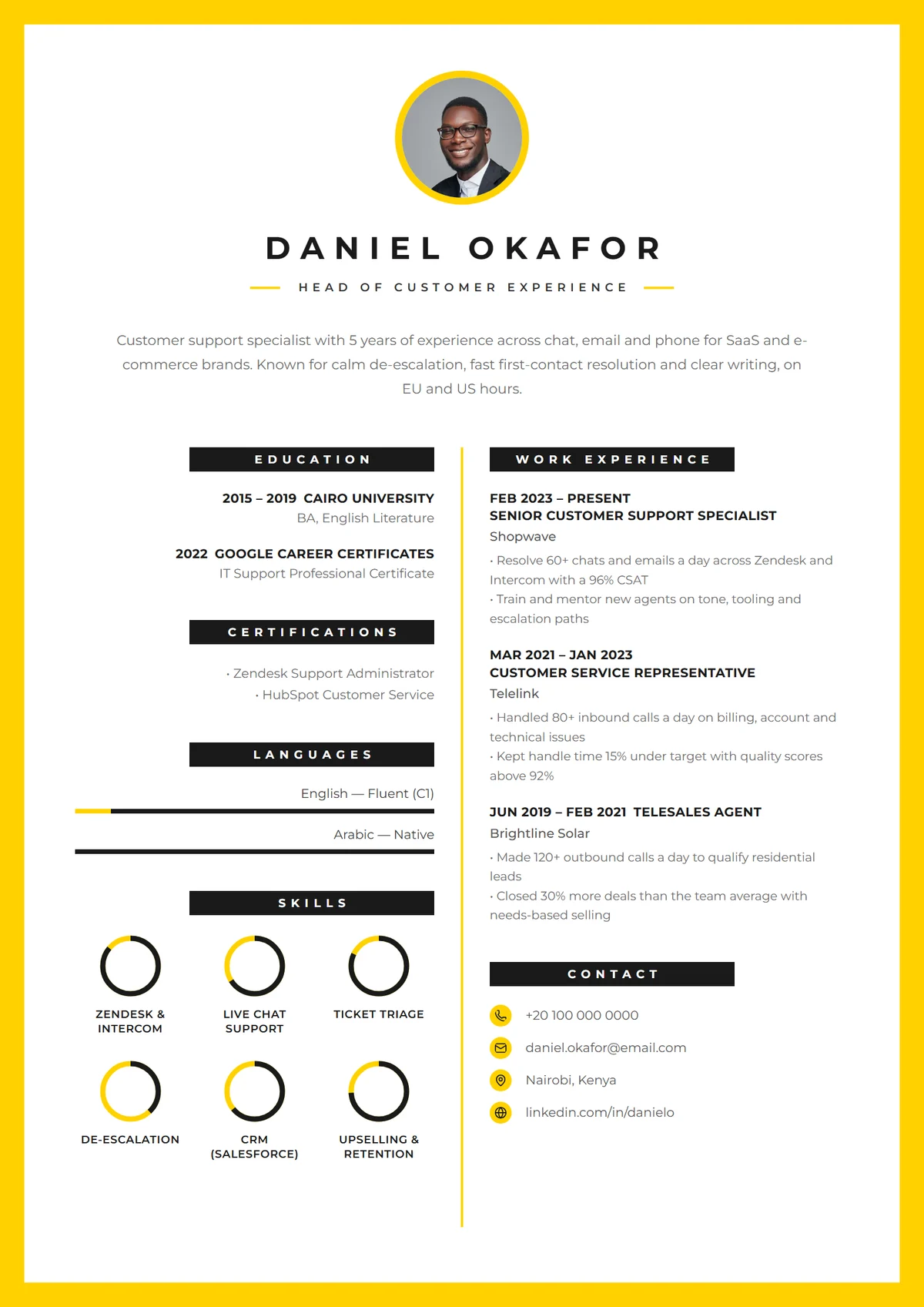
A good resume isn't about fancy design or clever wording. It's a one-page answer to the question every recruiter is asking: can this person do the job, and can I prove it quickly? A resume builder takes the formatting off your plate so you can spend your time on that answer.
This guide walks through building a professional resume from a blank page to a finished PDF, section by section, with examples you can adapt. It works with any builder, and we'll show where Remote's free resume builder saves you time.
Short on time? The fastest route is: pick a clean template, write a three-line summary, list your last two or three jobs with results, add six to ten skills, and export a PDF. Everything below makes each of those steps better.
Why use a resume builder at all?
You can write a resume in a word processor, and plenty of people do. But most resume mistakes are formatting mistakes: margins that drift, bullets that don't line up, a second page with three lonely lines on it, a file that looks different on the recruiter's screen. A builder handles those for you.
A good resume builder should:
- Keep the layout consistent so every heading, date and bullet lines up without you nudging it.
- Let you change the design without retyping. Your content stays put while you try different templates.
- Export a clean PDF that looks the same on every computer and can be read by applicant tracking systems.
- Fill in what it already knows, such as your name, contact details and work history from your profile.
- Stay free for the basics. Be wary of builders that let you spend an hour writing and then ask for payment to download.
Remote's resume builder is free to use once you sign up. It fills in a template from your profile, lets you move anything on the page, and exports a print-ready PDF.
Step 1: Gather what you need before you start
Writing goes much faster when the facts are in front of you. Spend ten minutes collecting:
- Your jobs: company names, job titles, start and end months, and where they were.
- Numbers: tickets or chats per day, satisfaction scores, sales targets hit, team size, anything you counted or were measured on.
- Education and certificates: names, institutions, years.
- Tools you use: software, platforms and systems, such as Zendesk, Salesforce, Excel or Shopify.
- Languages and levels.
- Two or three job postings you'd like to apply for. They tell you which words and skills to highlight.
Tip: Open your old performance reviews, LinkedIn profile and any certificates. They're full of numbers and achievements you've forgotten.
Step 2: Pick a template that suits the job
The template is the frame, not the picture. Pick one that makes your content easy to scan, then stop fiddling.
| If you're applying to... | Choose a template that is... |
|---|---|
| Large companies with online application forms | Single column, plain headings, minimal graphics |
| Customer service, sales, admin and operations roles | Clean two-column or single-column, one accent colour |
| Creative, marketing or design roles | More visual, but still easy to read in ten seconds |
| Countries where photos are expected (parts of Europe, the Middle East and Asia) | A layout with a photo spot |
| The US, UK, Canada or Australia | A layout without a photo |
If you're unsure, go simple. A recruiter has never rejected a candidate for having a resume that was too easy to read. Our guide to choosing a resume template goes deeper, including when a designed template helps and when it hurts.
Step 3: Write your header
The header is the most-read part of your resume. Keep it clean:
- Full name, large and clear.
- Job title that matches the role you want, such as "Customer Support Specialist" rather than "Hard-working professional".
- Email that looks professional (firstname.lastname@ beats partyking99@).
- Phone with the country code if you're applying abroad.
- City and country. You don't need your full street address.
- One link, such as LinkedIn or a portfolio, if it adds something.
Leave out your date of birth, marital status, religion and ID numbers unless a posting in your country specifically asks for them.
Step 4: Write a three-line summary
The summary sits under your name and tells the recruiter who you are in one breath. Use this formula:
- 1.Who you are and your experience: "Customer support specialist with 4 years of chat and email experience..."
- 2.What you're best at, with proof: "...known for a 95% satisfaction score and calm handling of escalations..."
- 3.What you're looking for: "...looking for a remote role supporting customers on US hours."
Put together: Customer support specialist with 4 years of chat and email experience for SaaS and e-commerce brands. Known for a 95% satisfaction score and calm handling of escalations. Looking for a remote role on US hours.
We collected 30 examples by job and experience level in how to write a resume summary.
Step 5: List your experience as results
This is where interviews are won. For each job, list the title, company, dates and three to five bullet points. Each bullet should show what you did and what happened because of it.
A simple formula: Action verb + what you did + a number or result.
- Weak: "Responsible for answering customer emails."
- Strong: "Answered 70+ customer emails a day with a 2-hour average first response and 94% satisfaction."
- Weak: "Helped with training."
- Strong: "Trained 6 new agents on the help desk and refund process, cutting their ramp-up time from 6 weeks to 4."
Put your most impressive bullet first under each job, and spend the most words on your most recent and most relevant roles. Older or unrelated jobs can shrink to one line each.
Stuck for strong opening words? Our list of resume action verbs has 150 of them, sorted by what you're trying to show.
Step 6: Add your skills
A skills section lets a recruiter tick boxes fast, and it's often where applicant tracking systems look for keywords. Aim for six to ten skills that appear in the job postings you're targeting and that you could prove in an interview.
Mix two kinds:
- Hard skills: tools and abilities you can test, such as Zendesk, Salesforce, Excel, typing at 60 WPM, or Spanish.
- Soft skills, shown rather than claimed: de-escalation, written communication, time management. Back them up in your experience bullets.
See the best skills to put on a resume for lists by job type.
Step 7: Add education and extras
Education goes near the bottom if you have work experience, and near the top if you're a recent graduate. List the qualification, institution and year. Add your grade or honours only if they're strong.
Extra sections that earn their space:
- Certifications, especially ones with a verifiable link. Remote's hands-on certifications can be added straight to your resume.
- Languages, with an honest level (Native, Fluent, B2, Conversational).
- Projects or volunteering, if they show relevant skills.
Skip "Hobbies" unless they're unusual or relevant to the job.
Step 8: Edit ruthlessly
Read every line and ask: would a recruiter miss this if it were gone? If not, cut it. Then:
- Fit it on one page if you have under ten years of experience. Two pages is fine beyond that.
- Check tense: present tense for your current job, past tense for the rest.
- Match the posting's words where they're true for you. If the ad says "ticket triage", don't only write "sorting requests".
- Proofread twice, once on screen and once out loud. Then ask someone else to read it.
Step 9: Export a PDF and name it properly
Unless a posting asks for a Word document, send a PDF. It looks the same everywhere and keeps your layout intact.
Name the file so it's easy to find: Firstname-Lastname-Resume.pdf. Recruiters download dozens of files called "resume.pdf" and "CV final v3.pdf".
Step 10: Tailor it for each application
A resume that's 80% the same for every job and 20% tailored beats one generic version sent everywhere. For each application:
- 1.Change the job title in your header to match the posting.
- 2.Adjust your summary's last line to the role.
- 3.Reorder bullets so the most relevant ones come first.
- 4.Swap in skills the posting mentions.
In a resume builder, keep one main resume and duplicate it for each type of role, such as one for chat support and one for sales. In Remote's builder you can keep several resumes and mark the one you send most often as your default.
Common mistakes that cost interviews
- Listing duties instead of results. Every job has duties. Results are what make you different.
- A summary full of adjectives. "Motivated, passionate, dynamic" tells the reader nothing. Numbers do.
- Too much design. Charts of your "skill level", tiny fonts and dark backgrounds can make a resume hard to read and hard for software to parse.
- Unexplained gaps. A one-line note such as "Career break: caring for a family member" is better than silence.
- Typos. For jobs that involve writing, even one can cost you.
- Old contact details. Check your phone number and email every time you update the file.
Your resume checklist
Before you hit send, make sure:
- Your name, job title, email and phone are at the top and correct.
- Your summary is three lines or fewer and mentions a result.
- Every job has at least one bullet with a number in it.
- Your skills match words in the posting.
- It's one page (or two full pages if you're very experienced).
- The file is a PDF named Firstname-Lastname-Resume.pdf.
Build yours now
You've got the plan; the builder does the formatting. Create a free account to open Remote's resume builder, pick from more than 25 designs, and download a PDF in minutes. When it's ready, put it to work on hand-picked remote customer service jobs that show their pay and who they can hire.