"Format" means two things when people talk about resumes. The first is structure: the order your sections go in. The second is presentation: length, fonts, margins and file type. Getting both right makes a recruiter's job easy, and an easy job is one they say yes to.
This guide covers the three resume structures, which one fits your situation, and the formatting rules that hold for all of them.
The three resume formats at a glance
| Format | Leads with | Best for | Watch out for |
|---|---|---|---|
| Reverse-chronological | Your work history, newest first | Most people with steady experience | Gaps and job-hopping are easy to spot |
| Hybrid (combination) | A skills summary, then work history | Career changers, people with varied experience | Can get long if you repeat yourself |
| Functional (skills-based) | Skills grouped by theme | Very few people today | Recruiters often read it as hiding something |
Reverse-chronological: the default choice
The reverse-chronological resume lists your jobs starting with the most recent. It's the format most recruiters expect, the easiest to scan, and the one applicant tracking systems read most reliably.
The order:
- 1.Header (name, title, contact details)
- 2.Summary
- 3.Work experience, newest first
- 4.Skills
- 5.Education
- 6.Extras: certifications, languages, projects
Use it if you have work experience in or near the field you're applying to, even if it's only a year or two. That's most people.
If you're not sure which format to pick, pick this one. You'll rarely go wrong with it.
Hybrid: when your skills tell the story better than your job titles
A hybrid (or combination) resume opens with a short skills section, usually three to five themed groups with a line of proof each, and then lists your work history in reverse-chronological order.
It works well when your best evidence is spread across different jobs. For example, someone moving from retail into remote customer support might lead with:
- Customer conversations: served 150+ customers a day in a busy store; resolved returns and complaints at the till.
- Written communication: answered the shop's Instagram and email enquiries for two years.
- Tools: Shopify POS, Google Sheets, WhatsApp Business.
Then the jobs follow, so the recruiter can see where those skills came from.
Use it if you're changing careers, returning to work, or have freelance and part-time work that adds up to more than any single job.
Functional: rarely the right answer
A functional resume groups everything by skill and pushes your work history to a short list at the bottom, sometimes without dates. It was popular for hiding gaps, and recruiters know that. Many now treat a functional resume as a warning sign, and some applicant tracking systems struggle to connect skills to jobs when there are no dates beside them.
If you have a gap or an unusual path, a hybrid resume with an honest one-line explanation does the same job without the suspicion.
How long should a resume be?
- Under 10 years of experience: one page.
- 10 years or more, or senior roles: two pages is fine, as long as the second page is worth reading.
- Academic, medical and research roles: a longer CV is normal. See resume vs CV for the difference.
Recruiters spend very little time on a first look. The Ladders eye-tracking study found an average of about seven seconds on the initial scan. Your best material needs to be in the top third of page one.
Fonts, sizes and spacing
- Fonts: a clean sans-serif (Inter, Lato, Open Sans, Calibri, Arial) or a simple serif (Georgia, Garamond). Avoid script and novelty fonts for body text.
- Sizes: body text 10 to 12 points, headings 13 to 16 points, your name 20 to 30 points.
- Margins: about 1.5 to 2.5 cm (0.6 to 1 inch) on every side. Narrower margins make a page feel crammed.
- Line spacing: 1.15 to 1.3 for body text, with a little extra space before each heading.
- Colour: one accent colour is plenty. Make sure text has strong contrast against its background.
Sections and headings
Use standard headings that both people and software recognise: Summary, Experience, Skills, Education, Certifications, Languages. Creative headings such as "My Journey" or "What I Bring" can confuse applicant tracking systems and slow down a human reader.
Keep dates in one consistent format throughout, such as "Mar 2022 – Present" or "03/2022 – Present", and align them the same way in every entry.
Columns, tables and graphics
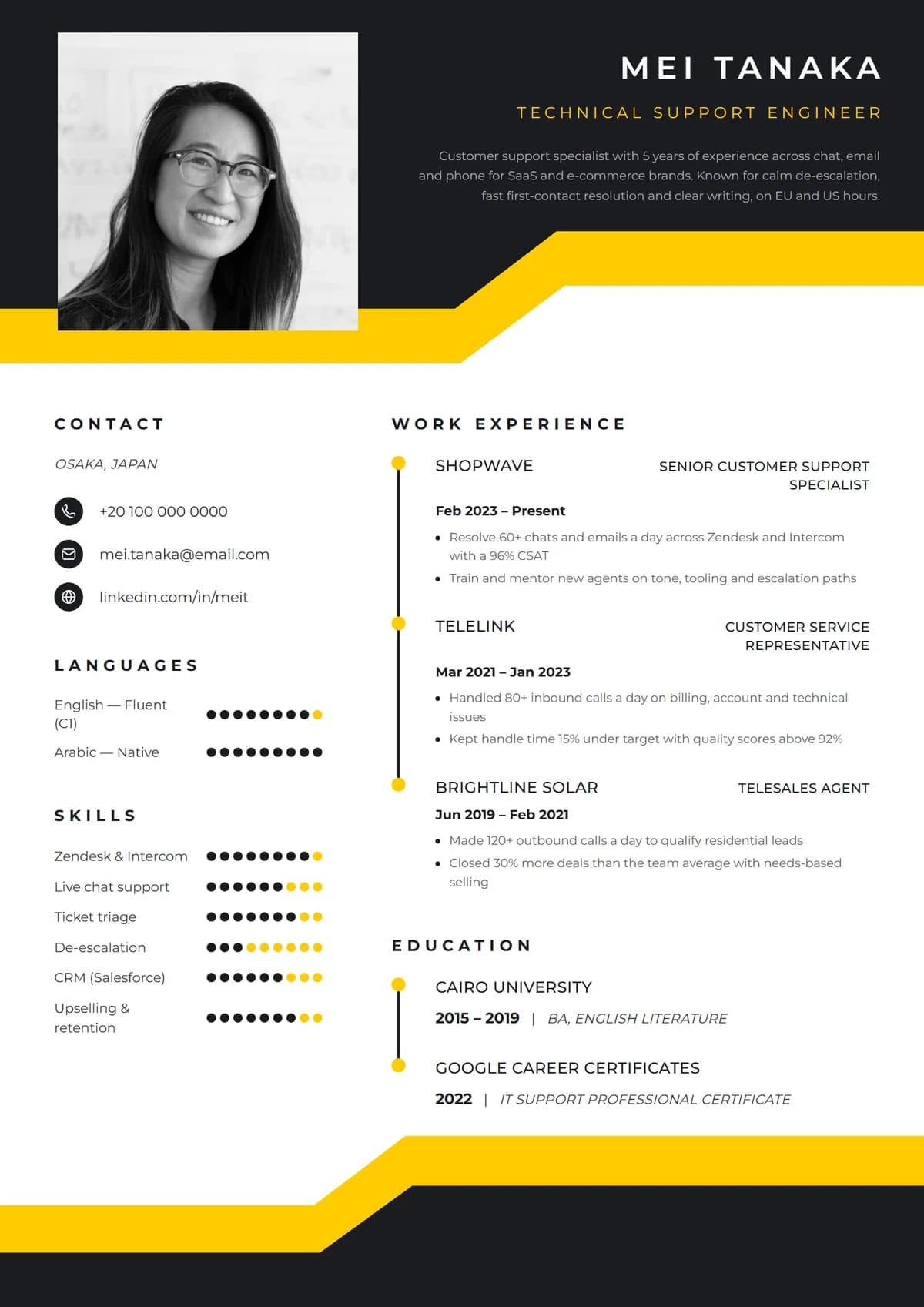
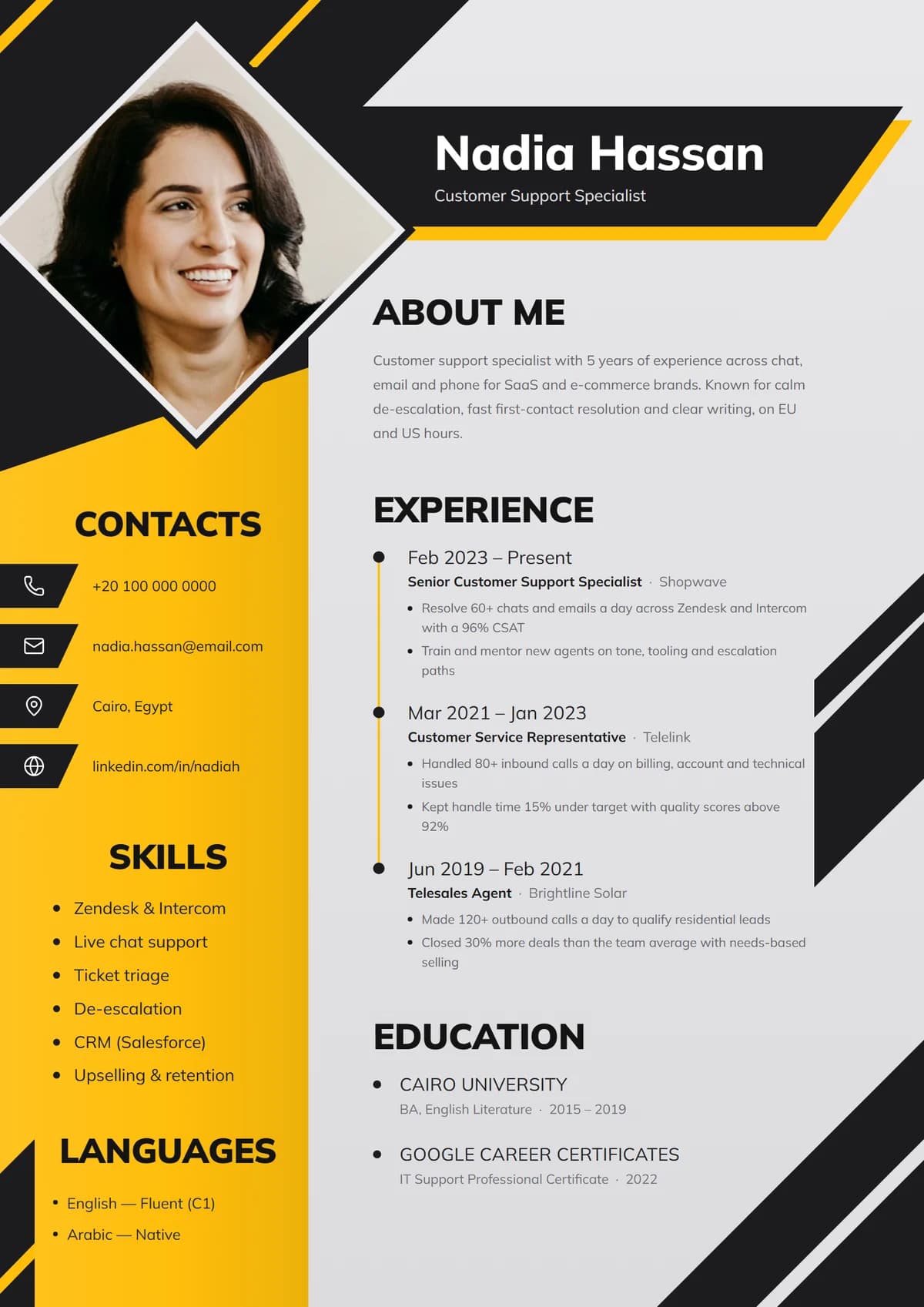
Two-column layouts are fine for most modern applicant tracking systems, and they make good use of space. A few things still cause trouble:
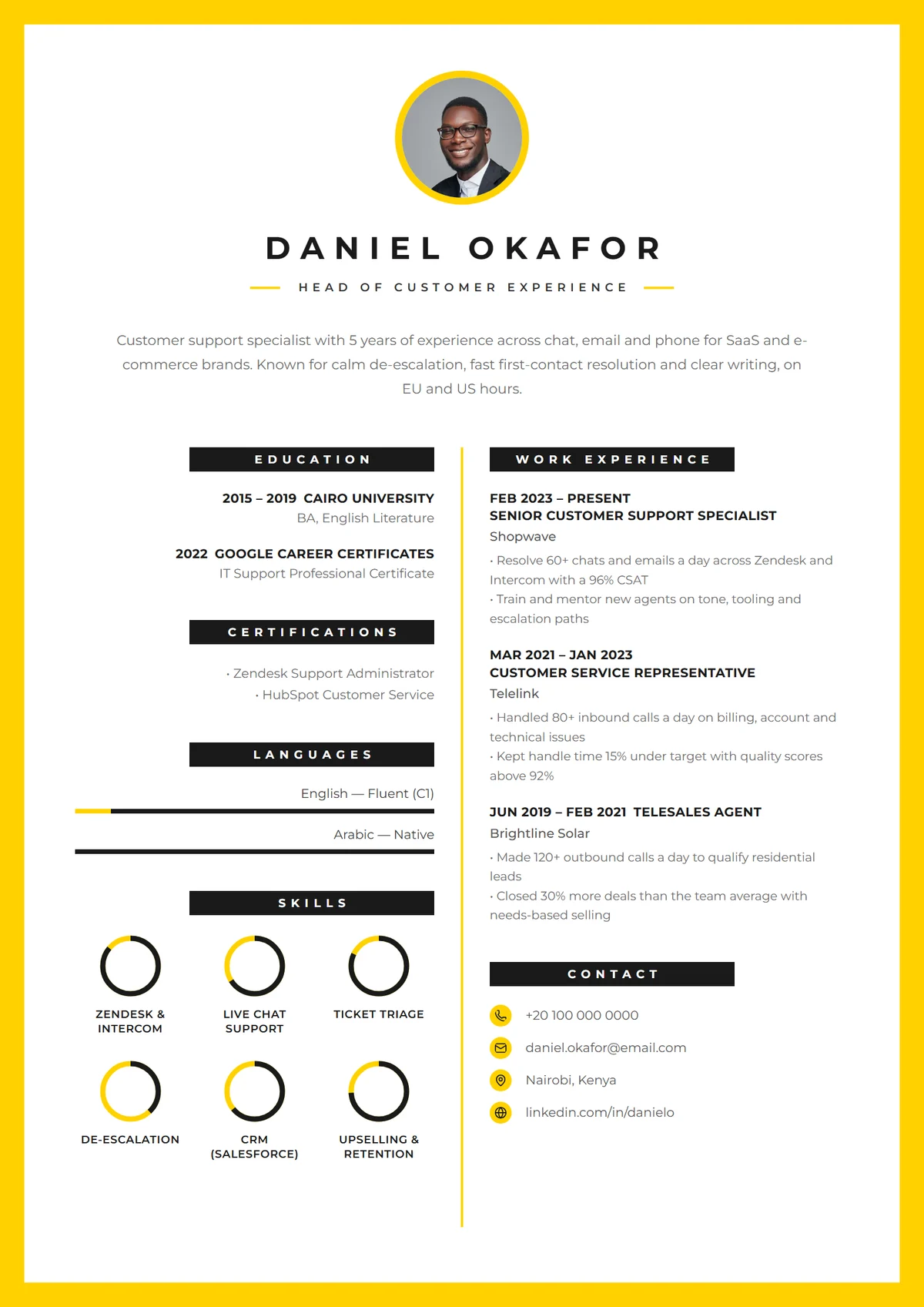
- Text inside images (a skills chart saved as a picture) can't be read by software.
- Important details in headers and footers are skipped by some older systems. Keep your contact details in the main body.
- Skill-level bars and star ratings look nice but say little. "Excel: 4 out of 5 stars" means nothing to a recruiter. Use them for languages, where levels have a shared meaning, and keep the actual skill name as text.
Our guide to ATS-friendly resumes explains how these systems read your file.
File type and file name
- Send a PDF unless the posting asks for Word. PDFs keep your layout exactly as you designed it.
- Name the file Firstname-Lastname-Resume.pdf.
- Keep it under 2 MB. Large photos are the usual cause of big files.
Which format is right for you?
- Steady work history in your field? Reverse-chronological.
- Changing careers or returning after a break? Hybrid.
- Lots of short contracts or freelance work? Hybrid, with similar gigs grouped under one heading such as "Freelance customer support, 2021 – 2024".
- Recent graduate? Reverse-chronological with education moved above experience. See how to write a resume with no experience.
Let the builder handle the formatting
Every template in Remote's resume builder is built on these rules: consistent dates, standard headings, sensible margins and a clean PDF export. Your content stays the same while you switch between designs, so you can try a single-column and a two-column version in seconds. Sign up free to try it, then read the full step-by-step resume guide.